1
7
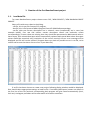
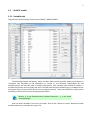
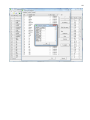
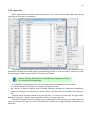
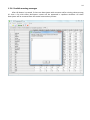
1.2. Build RF model 1.2.1. Variables tab To grow forest (build model) choose menu FOREST / GROW FOREST.
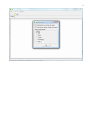
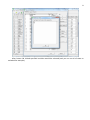
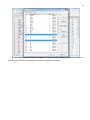
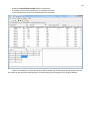
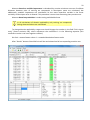
The following window will appear. Select variables which will be used for model construction on
“Variables” tab. Variables can be dependent (Y, several Y’s are allowed), independent (X) and
excluded (which will not take part in model construction). Also variables type should be chosen. Y
variable can possess all three types (but each Y should have identical variable type), X variables can be
continuous type only (restriction of the current program version). To do these operation simply select
variable(s) in the list and click on the appropriate button.
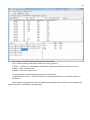
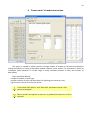
Buttons Y, X and Excluded have keyboard shortcuts - y, x and space
correspondingly.
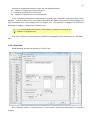
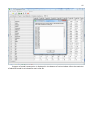
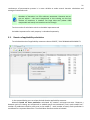
One can select variables in the list by its names. Click on the “Select by names” button and input
variables names (one variable name per line).