1
Chapter 4 View Log Application
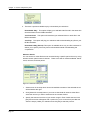
Step Three: Select Time
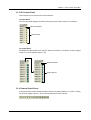
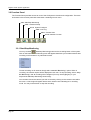
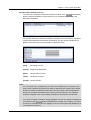
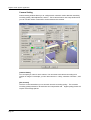
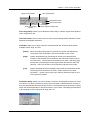
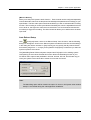
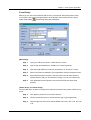
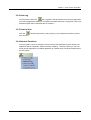
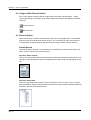
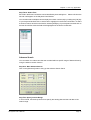
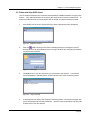
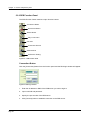
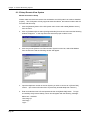
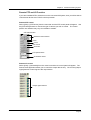
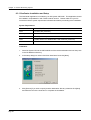
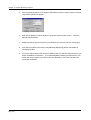
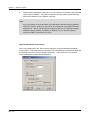
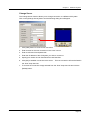
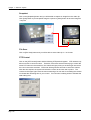
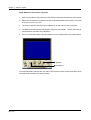
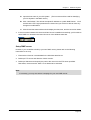
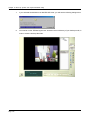
Each file in the Event List Window can be identified by its recording time. Select a file from the
list and it will appear on the Playback View Window.
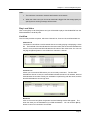
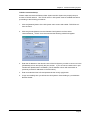
You can also select multiple events and play them back continuously by holding the [Ctrl] key
of your keyboard and left click on each event to highlight it in the Event List Window. To select
a series of events, left click on the first file, hold the [Shift] key of your keyboard, and left click on
the last file. All files within the field will be highlighted in the Event List Window.
Advance Search
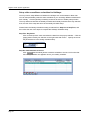
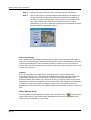
You can search for video event that was recorded within a specific range of date and time by
using the advance search function.
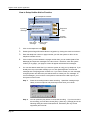
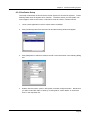
Step One: Start Advance Search
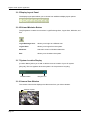
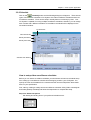
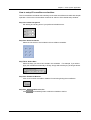
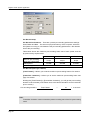
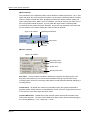
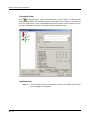
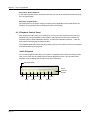
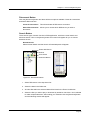
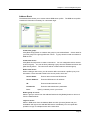
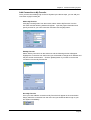
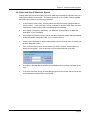
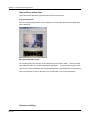
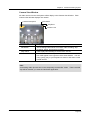
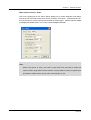
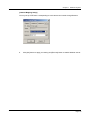
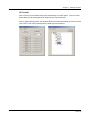
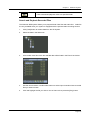
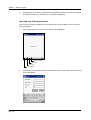
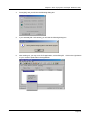
Click on the [Advance] button to bring up the Advance Search Panel.
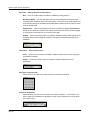
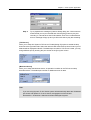
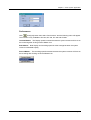
Step Two: Specify Search Range
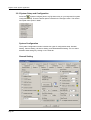
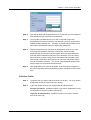
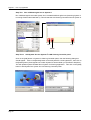
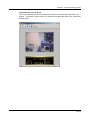
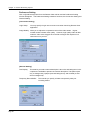
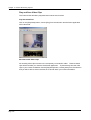
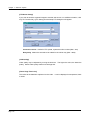
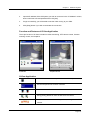
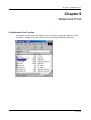
In Time Period, use the drop down list to specify the starting date and the end date of the
search range.
GV-System User’s Manual
Page 55