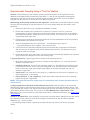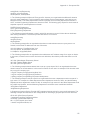
1
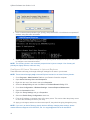
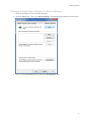
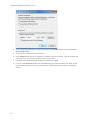
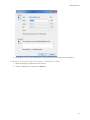
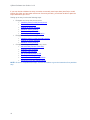
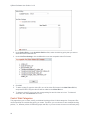
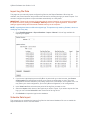
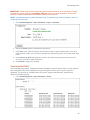
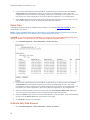
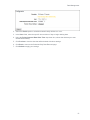
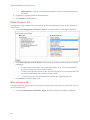
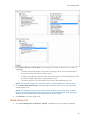
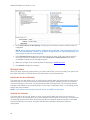
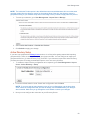
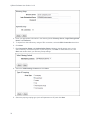
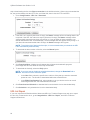
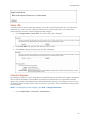
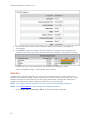
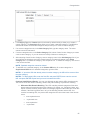
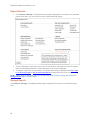
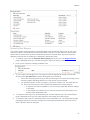
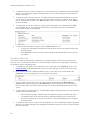
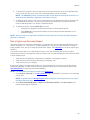
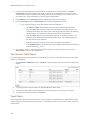
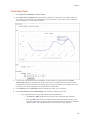
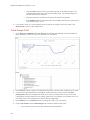
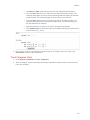
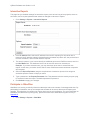
Categorization Introduction The Categorization features allow you to manage the URL List, check the categories of URLs, and customize categories. In this section, you will find instructions on how to: Manage the URL List - Change version of the list, download the list manually or schedule a download, and repair the list. Check URLs - Verify the category of any URL in the List. Classify Categories - Rate categories for acceptability based on your company’s Web usage policy. Edit URLs - Create an unlimited number of custom categories and populate both standard and custom categories with URLs for tracking Web sites of interest to your company. Display Categories - Select the categories to display on your reports. URL List Location This page is used for Technical Support purposes. URL List Version If you ever experience difficulties with the Wavecrest URL List, Technical Support may ask you to revert to an older version of the list. Only if instructed to do so, go to Categorization - URL List - Version, and follow Technical Support's instructions. Download the URL List The Wavecrest URL List is updated daily. In order to receive these daily updates, you must either download the URL List manually or configure the product to download it automatically once a day. This step will ensure that you have the latest Wavecrest URL List, which will include the most recent categorized URLs and aid in accurate filtering and reporting. If you are required to use a proxy for all HTTP connections, begin with configuring your proxy information first. Go to Settings - Internet Connection. If Internet traffic does not go through a proxy, then you can 81