1
Section 3 - Configuration
802.11n/a (5GHz)
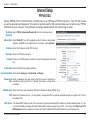
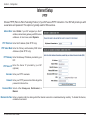
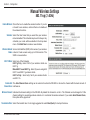
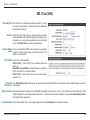
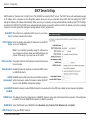
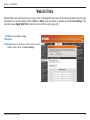
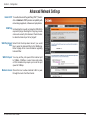
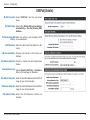
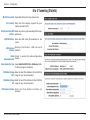
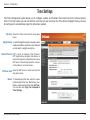
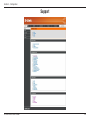
Enable Wireless: Check the box to enable the wireless function. If you do
not want to use wireless, uncheck the box to disable all
the wireless functions.
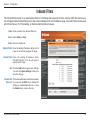
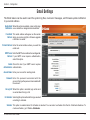
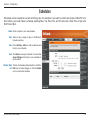
Schedule: Select the time frame that you would like your wireless
network enabled. The schedule may be set to Always. Any
schedule you create will be available in the drop-down
menu. Click Add New to create a new schedule.
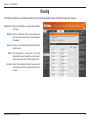
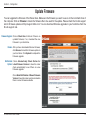
Wireless Network Service Set Identifier (SSID) is the name of your wireless
Name: network. Create a name using up to 32 characters. The
SSID is case-sensitive.
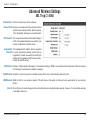
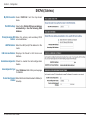
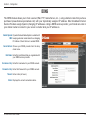
802.11 Mode: Select one of the following:
802.11a Only - Select if all of your wireless clients are
802.11a.
Mixed 802.11n and 802.11a - Select if you are using both
802.11n and 802.11a wireless clients.
802.11n Only - Select only if all of your wireless clients
are 802.11n.
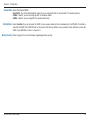
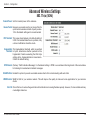
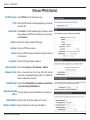
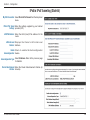
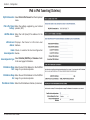
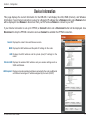
Enable Auto The Auto Channel Scan setting can be selected to allow the DIR-825 to choose the channel with the least amount of
Channel Scan: interference.
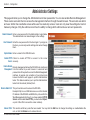
Wireless Channel: Indicates the channel setting for the DIR-825. By default the channel is set to 6. The Channel can be changed to fit the
channel setting for an existing wireless network or to customize the wireless network. If you enable Auto Channel Scan,
this option will be greyed out.
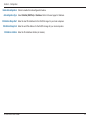
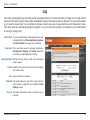
Transmission Rate: Select the transmit rate. It is strongly suggested to select Best (Auto) for best performance.
D-Link DIR-825 User Manual
29