1
© Florida Solar Energy Center, 2012
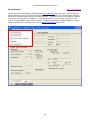
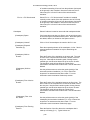
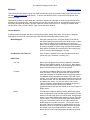
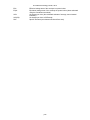
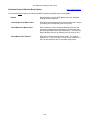
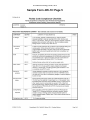
Reference schedule, the schedule can be viewed, but not
edited.
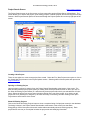
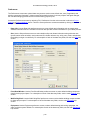
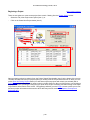
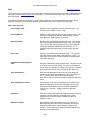
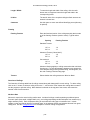
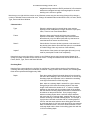
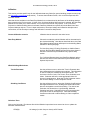
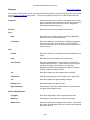
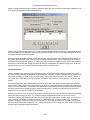
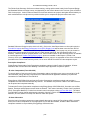
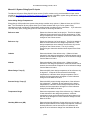
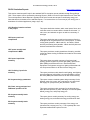
Set all to use:
Check this box to set all set points for all hours for the current
thermostat schedule to the same temperature. Then enter the
desired temperature in the field to the right of the check box.
Note that if the present thermostat schedule is a Reference
schedule, this option is not available.
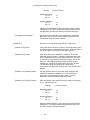
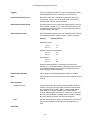
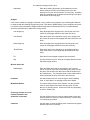
AM / PM
Enter the desired thermostat set point temperature for each
hour of the day for the current thermostat schedule type.
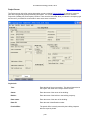
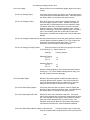
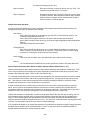
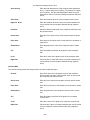
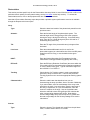
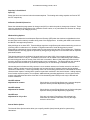
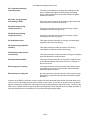
Schedules
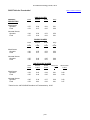
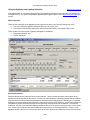
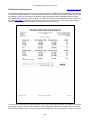
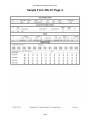
This section gives an overview of entered thermostat schedule
data by hour of the day and by period (cooling and heating WD
and WEH).
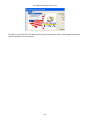
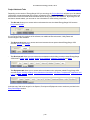
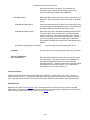
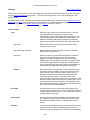
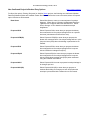
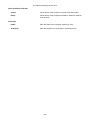
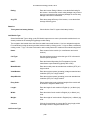
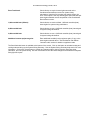
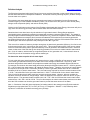
Seasonal Schedule (editable in
User Entry Mode only)
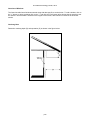
Heat / Cool / Vent
Check the Heat, Cool, or Vent box for each month of the year
that space heating, space cooling or natural ventilation will be
used. Note that more than one box may be checked for each
month, and to obtain ventilation credit, both the Cool and Vent
boxes must be checked for each month that applies. Defaults
will be scheduled based on your chosen climate location.
p79