1
qooxdoo Documentation, Release 1.6.1
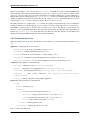
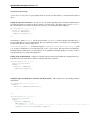
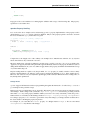
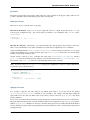
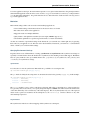
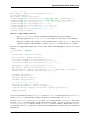
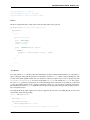
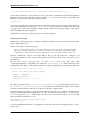
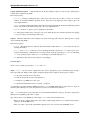
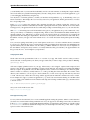
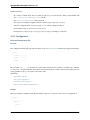
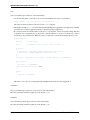
check : "Object",
nullable : true,
init : null,
event : "changeTweet"
}
},
members :
{
_initialize : function()
{
this.base(arguments);
// Create a new label instance
var label = new qx.ui.mobile.basic.Label();
this.getContent().add(label);
// bind the "tweet.getText" property to the "value" of the label
this.bind("tweet.text", label, "value");
}
}
});
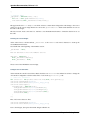
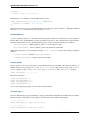
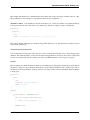
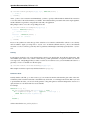
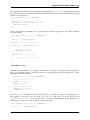
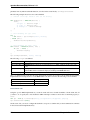
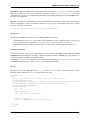
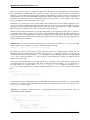
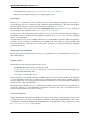
Now create the instance of the “Tweet” page in the Application main method and return to the “Tweets” page, when
the back listener is called.
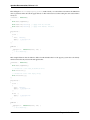
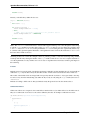
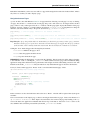
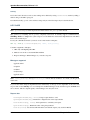
var tweetPage = new mobiletweets.page.Tweet();
// Return to the Tweets Page
tweetPage.addListener("back", function(evt) {
tweetsPage.show({reverse:true});
}, this);
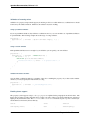
Until now we will never see the “Tweet” page as its show method is never called. First we have to react in the
“Tweets” page on a selection change event of the list, by registering the changeSelection event on the list in the
_initialize method:
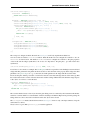
list.addListener("changeSelection", this.__onChangeSelection, this);
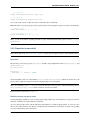
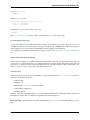
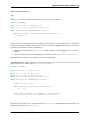
The __onChangeSelection method looks like this:
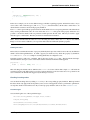
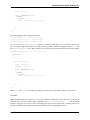
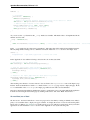
__onChangeSelection : function(evt)
{
// retrieve the index of the selected row
var index = evt.getData();
this.fireDataEvent("showTweet", index);
}
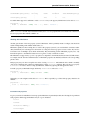
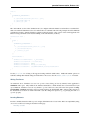
As you can see, a showTweet data event is fired here. This data event has to be defined in the events section of
the “Tweets” class:
events : {
showTweet : "qx.event.type.Data"
}
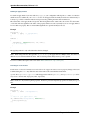
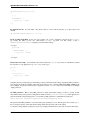
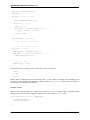
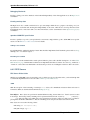
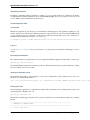
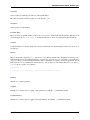
All we need to do now is to listen to the showTweet event in the “Application” class main method, retrieve the index
from the data event and to get the corresponding tweet from the data. Finally we show our “Tweet” page.
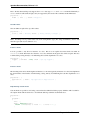
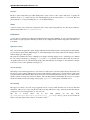
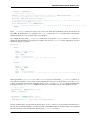
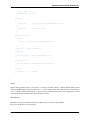
// Show the selected tweet
tweetsPage.addListener("showTweet", function(evt) {
var index = evt.getData();
tweetPage.setTweet(this.getTweets().getItem(index));
6.1. Introduction
253













![Tester Bench [BETA] User Manual](http://vs1.manualzilla.com/store/data/005798606_1-651c3b6b51a13c0d6f27995a84bd9cc4-150x150.png)