1
Compiler Command-line Options
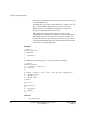
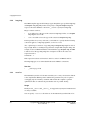
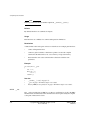
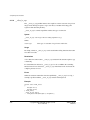
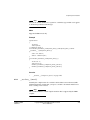
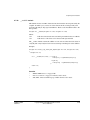
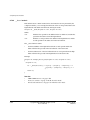
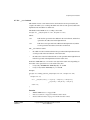
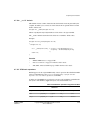
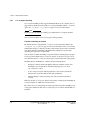
This is a compiler option only. It follows the typical GCC usage model, where the
compiler driver is used to direct linkage and selection of standard system object files
and libraries.
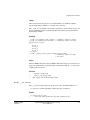
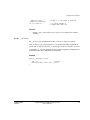
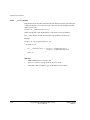
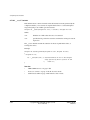
This option can also be used to aid migration from versions of RVCT earlier than RVCT
v4.0. After you have created a configuration file using --arm_linux_configure, you can
modify an existing build by replacing the list of standard options and search paths with
the --arm_linux_paths option. That is, --arm_linux_paths can be used to replace:
•
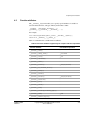
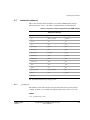
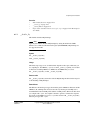
all of the default options listed for --arm_linux
•
header paths
•
library paths
•
standard libraries.
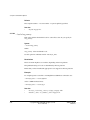
Restrictions
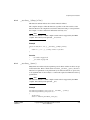
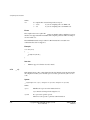
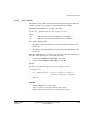
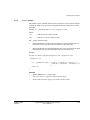
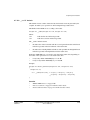
You must specify the location of the configuration file by using
--arm_linux_config_file=filename.
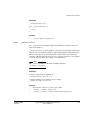
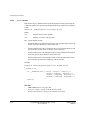
Examples
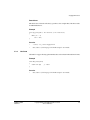
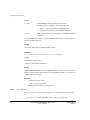
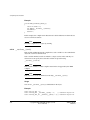
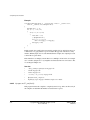
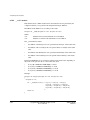
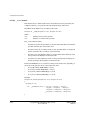
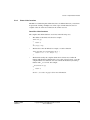
Compile and link application code:
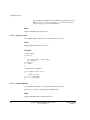
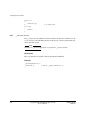
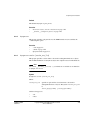
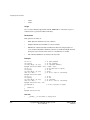
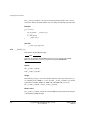
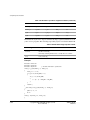
armcc --arm_linux_paths --arm_linux_config_file=my_config_file -o hello -O2
-Otime -g hello.c
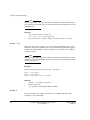
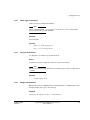
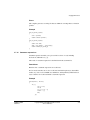
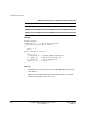
Compile a source file source.c for use in a shared library:
armcc --arm_linux_paths --arm_linux_config_file=my_config_file --apcs=/fpic -c
source.c
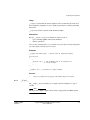
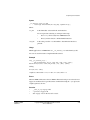
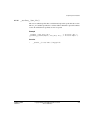
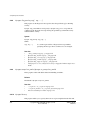
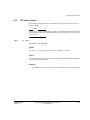
Link two object files, obj1 and obj2, into a shared library called my_shared_lib.so, using
the compiler:
armcc --arm_linux_paths --arm_linux_config_file=my_config_file --shared -o
my_shared_lib.so obj1.o obj2.o
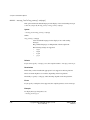
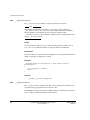
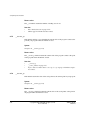
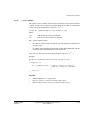
See also
•
--arm_linux on page 2-9
•
--arm_linux_config_file=path on page 2-10
•
--arm_linux_configure on page 2-12
•
--configure_gcc=path on page 2-27
•
--configure_gld=path on page 2-28
•
--configure_sysroot=path on page 2-29
2-14
Copyright © 2007-2010 ARM. All rights reserved.
Non-Confidential,
ARM DUI 0348C
ID101213