1
User’s Guide
Troubleshooting for Printing
C
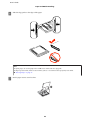
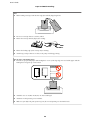
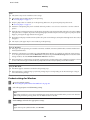
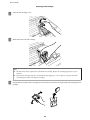
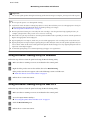
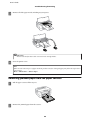
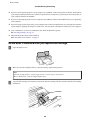
Remove all of the paper inside, including any torn pieces.
Important:
c Do
not touch the flat white cable connected to the cartridge holder.
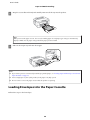
D
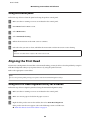
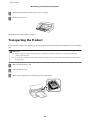
Close the printer cover.
Note:
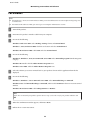
If there are still some torn pieces of paper inside the product even after clearing the paper jam, follow the steps below to
remove them.
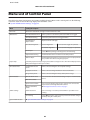
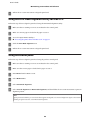
Menu > Maintenance > Remove Paper
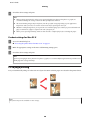
Removing jammed paper from the paper cassette
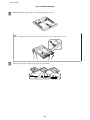
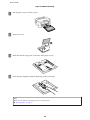
A
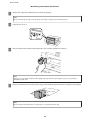
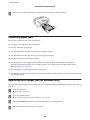
Pull the paper cassette all the way out.
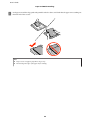
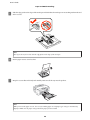
B
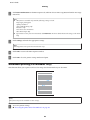
Remove the jammed paper from the cassette.
88