1
ACR SmartButton Reader User Manual
8. Menu
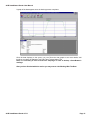
Welcome to the Menu Section.
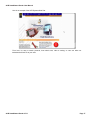
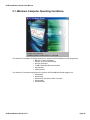
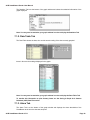
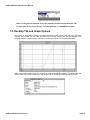
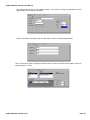
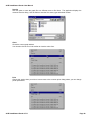
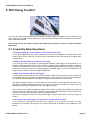
Referring to the above picture, you will find at the top of the window the menu bar containing items used to
control the application; File, Communicate, Graph, Options, Window and Help. These are the basic menu
headings, where you will be able to locate individual functions within the software. To learn more about the role
of each sub menu feature, please refer to the various Menu Options.
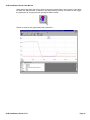
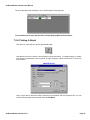
The icon toolbar is located just below the Menu Bar. The icons are helpful short cuts to perform commonly
performed tasks. They are there for convenience only. Each short cut icon's function will also be located within
the Menu Bar headings:
ACR SmartButton Reader V1.11
Page 46