1
Section 4 - Security
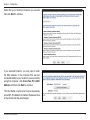
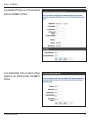
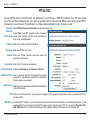
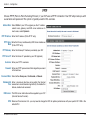
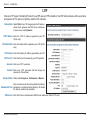
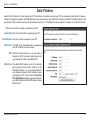
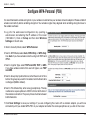
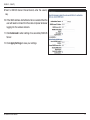
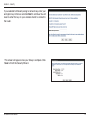
If you selected to Manually assign a network key, enter your
encryption key in the box and click Next to continue. You will
need to enter this key on your wireless clients to connect to
the router.
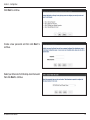
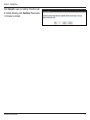
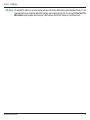
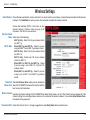
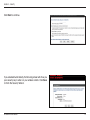
This screen will appear once your Setup is complete. Click
Save to finish the Security Wizard.
FR-300RTR User Manual
74