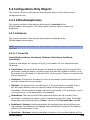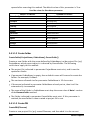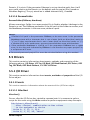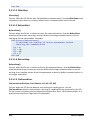
1
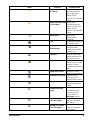
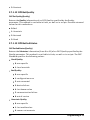
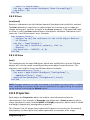
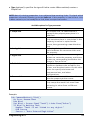
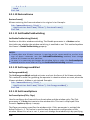
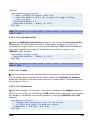
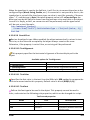
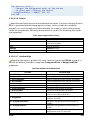
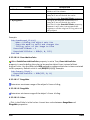
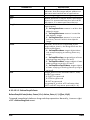
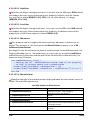
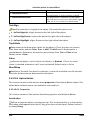
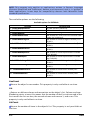
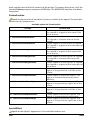
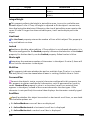
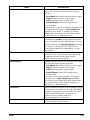
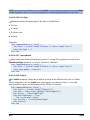
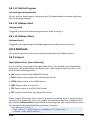
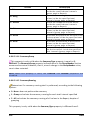
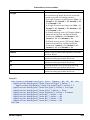
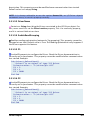
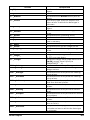
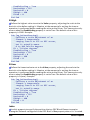
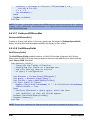
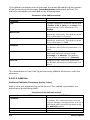
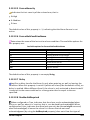
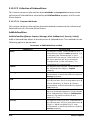
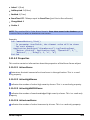
5: EU exceeded
6: subnormal
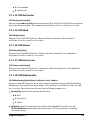
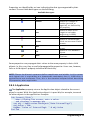
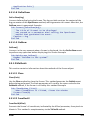
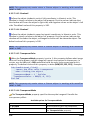
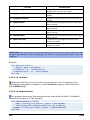
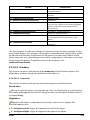
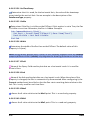
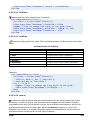
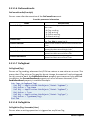
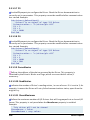
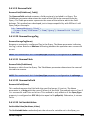
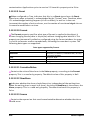
2.7.1.14 OPCGetVendor
OPCGetVendor(Quality)
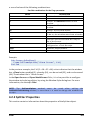
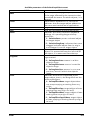
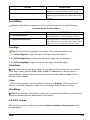
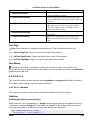
Returns the Vendor Specific information (from 0 to 255) of an OPC Quality specified
by the Quality parameter. This method is available in Links, as well as in scripts.
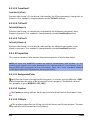
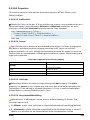
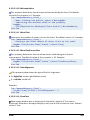
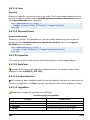
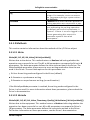
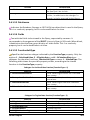
2.7.1.15 OPCIsBad
OPCIsBad(Quality)
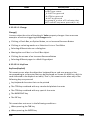
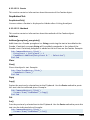
Returns True if the OPC Quality is Bad, and False otherwise. This method is
available in Links, as well as in scripts.
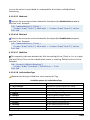
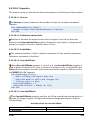
2.7.1.16 OPCIsGood
OPCIsGood(Quality)
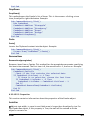
Returns True if the OPC Quality is Good, and False otherwise. This method is
available in Links, as well as in scripts.
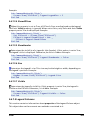
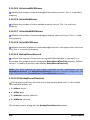
2.7.1.17 OPCIsUncertain
OPCIsUncertain(Quality)
Returns True if the OPC Quality is Uncertain, and False otherwise. This method is
available in Links, as well as in scripts.
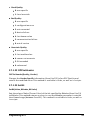
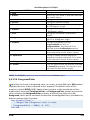
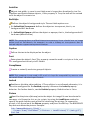
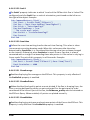
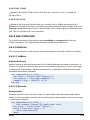
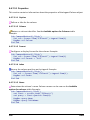
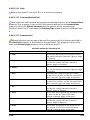
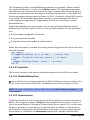
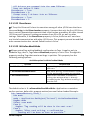
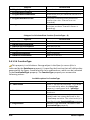
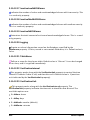
2.7.1.18 OPCMakeQuality
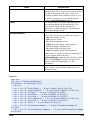
OPCMakeQuality(QualityFlag, SubStatus, Limit, Vendor)
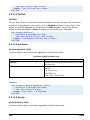
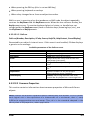
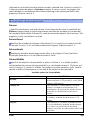
Returns a new OPC Quality value, built using the values passed in the QualityFlag,
SubStatus, Limit, and Vendor parameters. This method is available in Links, as well
as in scripts. Possible values for each one of the parameters are:
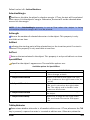
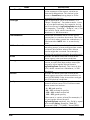
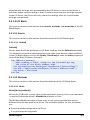
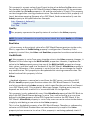
QualityFlag: Specifies the quality of the value
0: Bad
1: Uncertain
3: Good
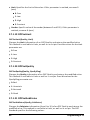
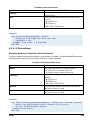
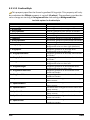
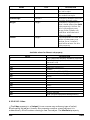
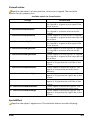
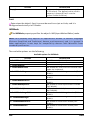
SubStatus: Specifies the substatus of the value (between 0 and 15, see the
OPCGetSubStatus method for possible values). If this parameter is omitted,
assumes 0 (zero)
Programming in E3
43