1
MPEG4-4/8/16Channel - Installation/ Operation Manual
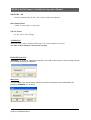
Calendar Search
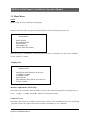
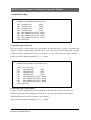
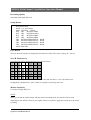
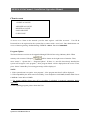
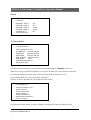
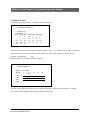
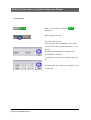
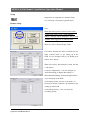
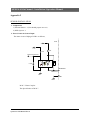
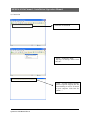
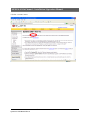
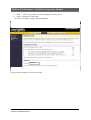
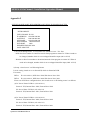
Following screen shows when “ Calendar search” is selected.
CALENDAR SEARCH
YEAR :2005
MONTH : 12
SUN MON TUE
1
2
7
8
9
14 15 16
21 22 23
28 29 30
WED THU FRI SAT
[3] 4
5 6
10 11 12 13
17 18 19 20
24 25 26 27
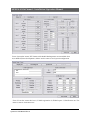
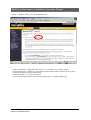
This shows where the recorded data is located at sight. Using “→, ←”buttons, are available to move to
specific time/date. To enter sub-menu (Time), please use “SEL” button. Day (11, eleven) will be
changed ‘up and down (
)’ key.
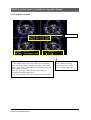
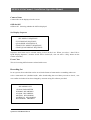
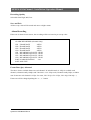
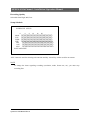
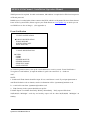
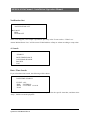
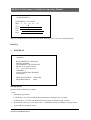
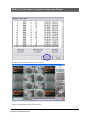
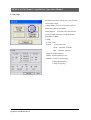
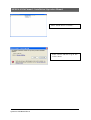
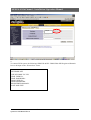
Buttons “Search” will make a following display.
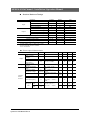
SEARCH RESULT
DATE 11-12-2004
HOUR 0
4
8
▲
CH1
CH2
CH3
CH4
12
16
20
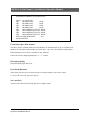
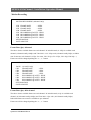
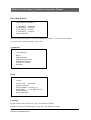
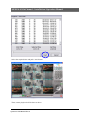
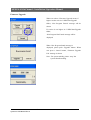
The hour, which has data, will be shown in white bar, the hour, which you want to play, is selected
with “SEL” button, then the following sub-menu will be shown.
Quantum—DVD Manual Rev A
35/86