1
Chapter 3. Front Panel Operation
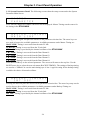
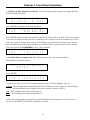
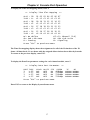
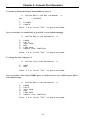
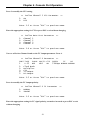
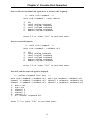
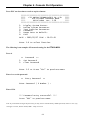
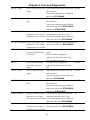
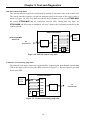
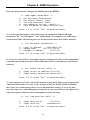
3.3.2 System Parameter Detail The following screens show the setup screens under the System
Parameter Main Screen.
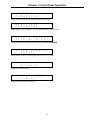
<
S Y S T E M
P A R A M E T E R
>
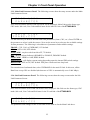
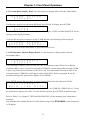
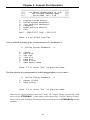
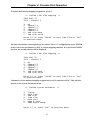
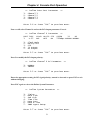
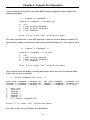
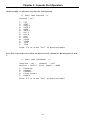
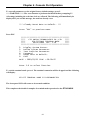
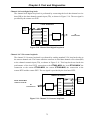
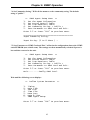
Press ENTER, MASTER TIMING sub-menu will be displayed. Master Timing sets the source for
the timing in the ETU02-MUX.
<
M A S T E R
T I M I N G >
M A I N
L I N K
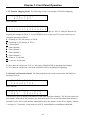
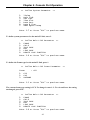
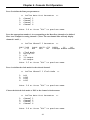
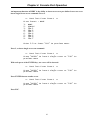
Pressing ENTER again will place the cursors on the parameter selection line. The arrow keys are
now used to browse the available parameters. Available parameters under Master Timing are:
MAIN LINK; Timing is recovered from the main E1 link.
SUB LINK; Timing is recovered from the E1 sub-link.
INT OSC; Timing is provided by the internal oscillator of the ETU02-MUX.
CH 1 LINK; Timing is recovered from the Data Channel 1.
CH 2 LINK; Timing is recovered from the Data Channel 2.
CH 3 LINK; Timing is recovered from the Data Channel 3.
CH 4 LINK; Timing is recovered from the Data Channel 4.
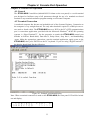
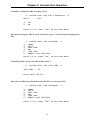
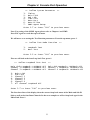
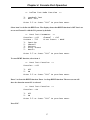
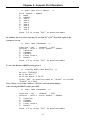
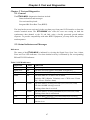
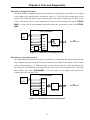
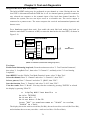
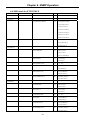
Press the ENTER key on the selected parameter. The cursors will return to the top line. Use the
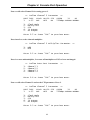
RIGHT arrow key to select the next sub-menu (BACKUP TIMING). The settings of backup timing
are used as a "fallback" in case the main timing sync is lost. A typical setting for the backup timing
would be the choice of internal oscillator.
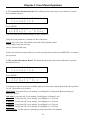
<
B A C K U P
T I M I N G >
I N T
O S C
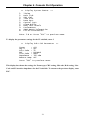
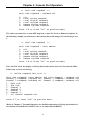
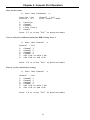
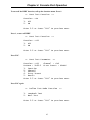
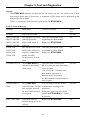
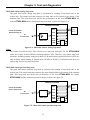
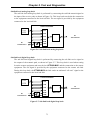
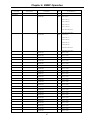
Pressing ENTER will place the cursors on the parameter selection line. The arrow keys may now be
used to browse the available parameters. Available parameters under Backup Timing are:
MAIN LINK; Timing is recovered from the main E1 link.
SUB LINK; Timing is recovered from the E1 sub-link.
INT OSC; Timing is provided by the internal oscillator of the ETU02-MUX.
24