1
Appendix A
A
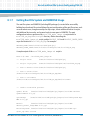
Installing and Configuring BBS
A.1
Installing BBS Using Hard Disk
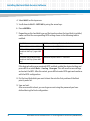
After the system comes up, install Linux with the following procedure:
1. Login as root.
2. Identify the Linux device name of the hard disk on which you want to install BBS.
To do so, enter fdisk -l. This displays available hard disks, their Linux device
names and also the storage capacity. An easy way to identify a particular hard disk
is by its storage capacity. Refer to the respective hardware user manuals for
information about the storage capacities of the hard disks used in your
configuration. Another way to identify a particular hard disk, is via the device name.
Linux uses different device names for different hard disk types. The exact format,
however, differs between Linux versions and distributions. Refer to your Linux
documentation for further details.
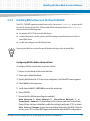
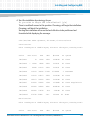
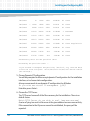
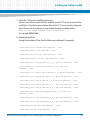
3. Run the linuxrc script from the /opt/bladeservices/tools directory:
./linuxrc
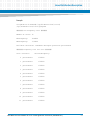
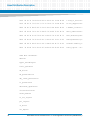
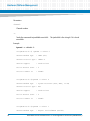
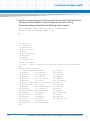
The hard disk installation begins by checking for necessary commands on the
system. The screen output will look similar to this:
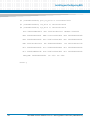
Checking for necessary commands...
awk
[exists]
chroot
[exists]
mount
[exists]
umount
[exists]
tar
[exists]
gzip
[exists]
mkdir
[exists]
rmdir
[exists]
rm
[exists]
cp
[exists]
mv
[exists]
Basic Blade Services Software on ATCA-7368 Programmer’s Reference (6806800L95C)
131