1
qooxdoo Documentation, Release 2.0
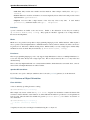
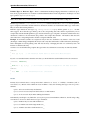
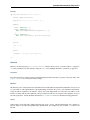
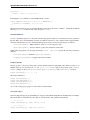
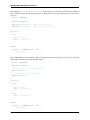
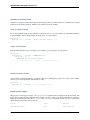
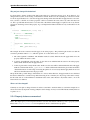
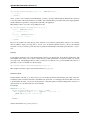
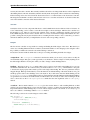
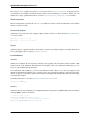
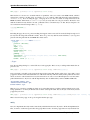
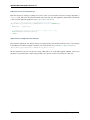
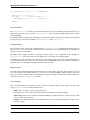
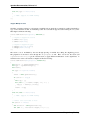
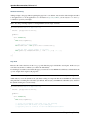
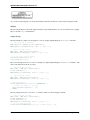
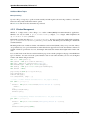
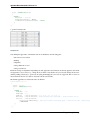
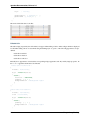
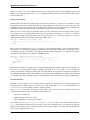
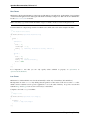
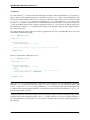
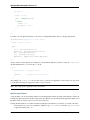
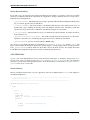
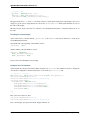
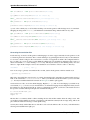
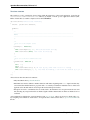
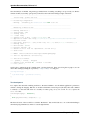
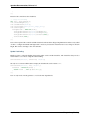
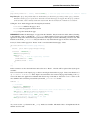
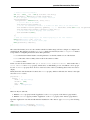
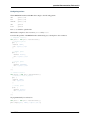
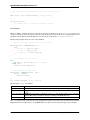
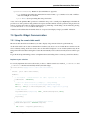
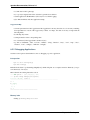
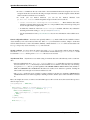
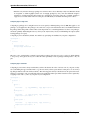
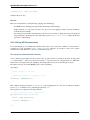
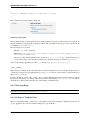
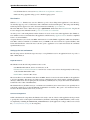
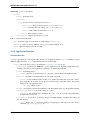
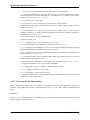
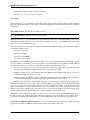
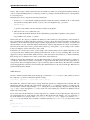
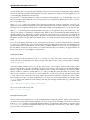
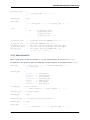
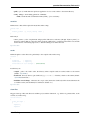
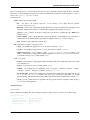
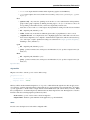
var popup = q.create("<div>").appendTo(document.body);
This line line of code uses two essential methods of qx.Website. First, we create a new DOM element, which is
wrapped in a collection. On that object, we call the appendTo method, which adds the newly created element to
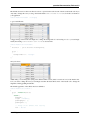
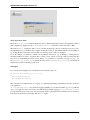
document.body. Now, reloading the page... brings up an error!?! Sure, we added our script in the head of the
HTML document, which means document.body is not yet ready when our code gets executed. We need to wait
until the document is ready until we can start. qx.Website offers a convenient way to do that. We just wrap the code
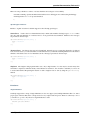
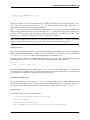
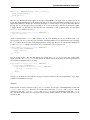
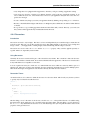
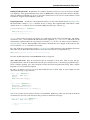
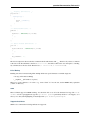
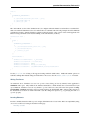
we’ve written in a function and give that to q.ready:
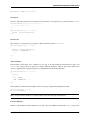
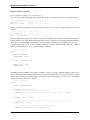
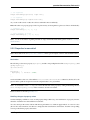
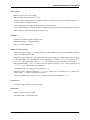
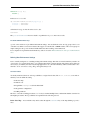
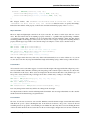
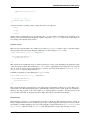
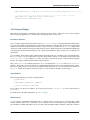
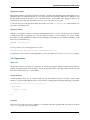
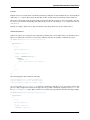
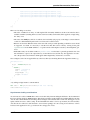
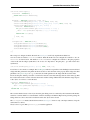
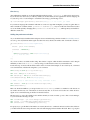
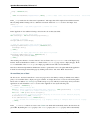
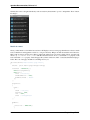
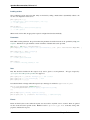
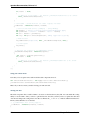
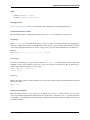
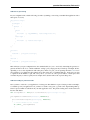
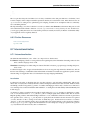
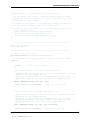
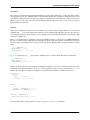
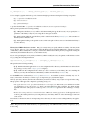
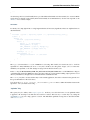
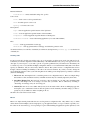
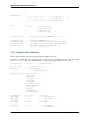
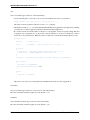
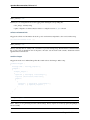
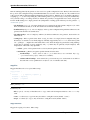
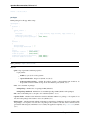
q.ready(function() {
// ...
});
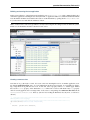
Reloading the page, the error is gone but nothing else happens. How can we tell if it worked? Simple enough, we’ll
just style the div using CSS and make it visible. We won’t go into any detail about the CSS here, so just copy and
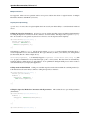
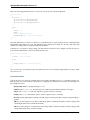
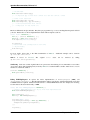
paste the following CSS rule into the HTML file’s head section.
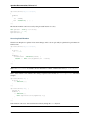
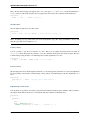
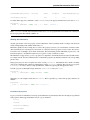
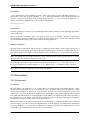
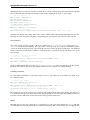
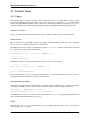
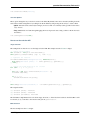
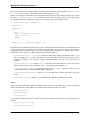
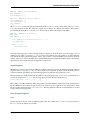
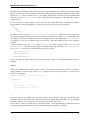
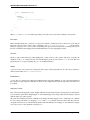
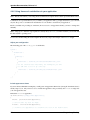
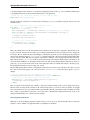
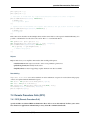
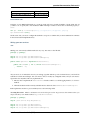
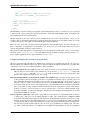
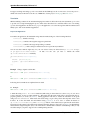
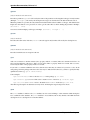
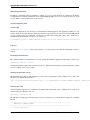
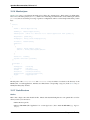
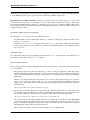
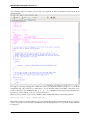
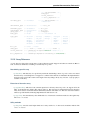
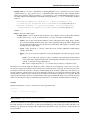
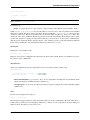
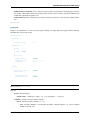
<style type="text/css" media="screen">
.popup {
position: absolute;
top: 20px;
right: 20px;
width: 150px;
background-color: #aaa;
color: white;
padding: 10px;
font-family: "Lucida Grande", "DejaVu Sans", "Verdana", sans-serif;
font-size: 14px;
border: solid 1px #000000;
}
</style>
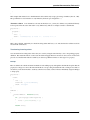
Now, the only thing missing is to set the CSS class for the popup div. That’s as easy as calling another method in our
previous code.
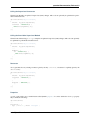
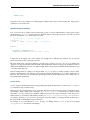
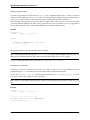
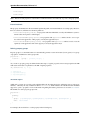
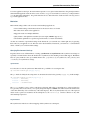
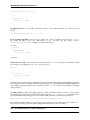
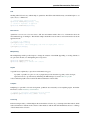
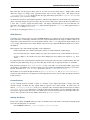
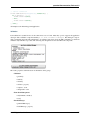
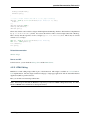
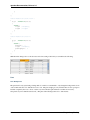
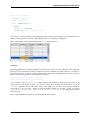
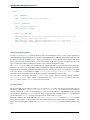
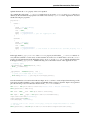
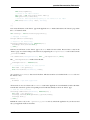
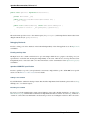
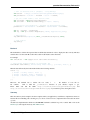
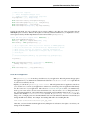
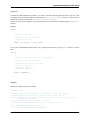
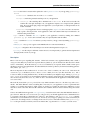
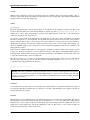
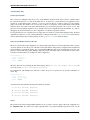
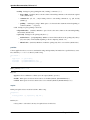
var popup = q.create("<div>").appendTo(document.body).addClass("popup");
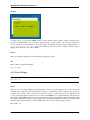
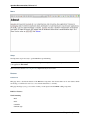
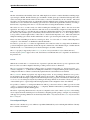
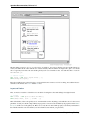
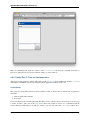
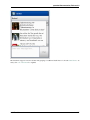
Now reload and you should see the popup in the upper right corner. Hm, but the styling is not done, right? A real
popup has rounded corners! But wasn’t that one of the newer CSS keys which is usually vendor prefixed? Yes! That
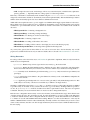
means, we need to add a declaration for every known browser. No, wait a second. IE and Opera don’t use the vendor
prefix which means we only need to add the unprefixed key and one additional key each for WebKit and Mozilla.
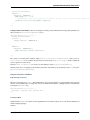
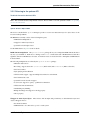
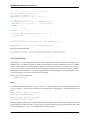
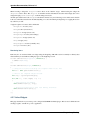
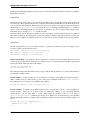
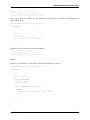
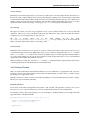
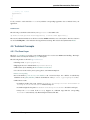
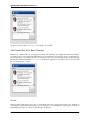
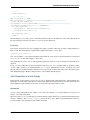
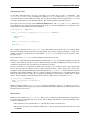
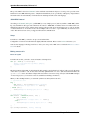
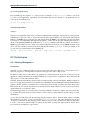
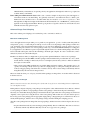
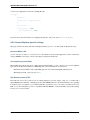
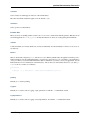
-moz-border-radius: 5px;
-webkit-border-radius: 5px;
border-radius: 5px;
That was a lot of work for something as simple as a border radius! But we could have achieved that far more easily.
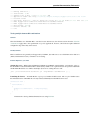
Using qx.Website to set the style will take care of all the vendor prefix stuff! Just set the style on the newly created
popup and you’re done.
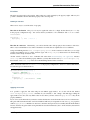
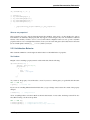
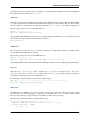
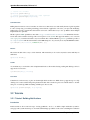
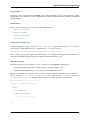
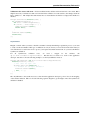
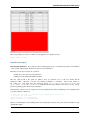
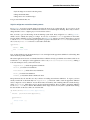
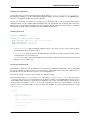
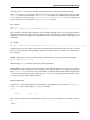
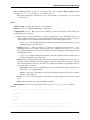
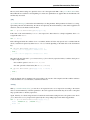
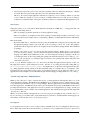
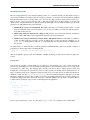
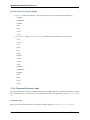
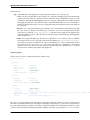
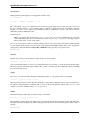
var popup = q.create("<div>").appendTo(document.body).addClass("popup").setStyle("border-radius", "5p
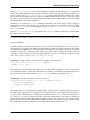
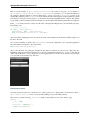
That’s about it for the popup. Looks good enough for the first prototype.
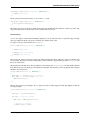
notify
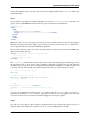
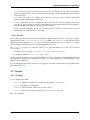
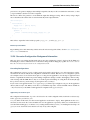
Next, let’s implement the notify method. We already added the function and only need to fill in the implementation.
First, we want to set the message and show the popup. But we want to show the popup with some style and fade it in.
68
Chapter 3. qx.Website