1
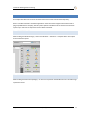
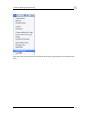
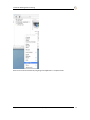
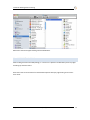
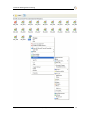
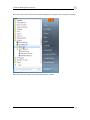
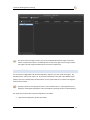
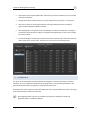
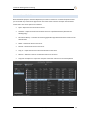
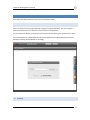
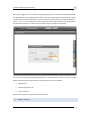
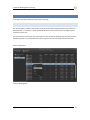
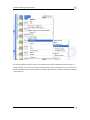
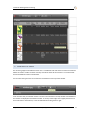
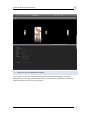
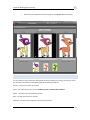
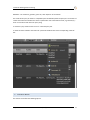
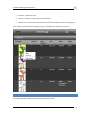
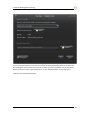
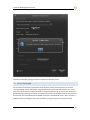
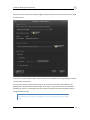
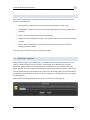
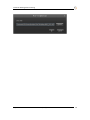
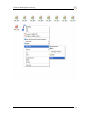
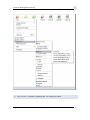
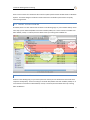
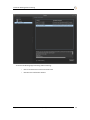
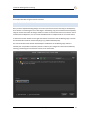
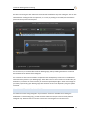
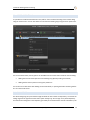
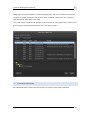
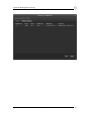
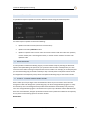
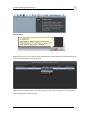
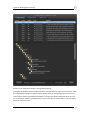
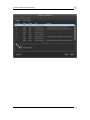
Essentials: Working With Versioning 8.3 OTHER OPERATIONS It is possible to invoke functionalities like revert, diff etc. from inside the file listing of the commit dialog using the context menu. You can also delete an asset from the Working Copy using the menu option here. For an unversioned asset, two key options are available from the context menu inside the commit dialog: Adding the unversioned component to the Working Copy (thereby making it versioned) Adding the file name or pattern to the ignore pattern list. You can also do on-disk actions like deleting the unversioned file, or opening the folder containing this file etc. from the context menu. 8.4 CHANGE LOG The Zoom Change Log lets you browse through the details of each commit to a Repository. You launch the Change Log from the right-click context menu option Change Log. You can login to any Zoom Repository and examine the Changesets in the Repository (provided you are authorized to view this information). The Evolphin Zoom v2.8 | 04/4/2011 49