1
Working with the notebook
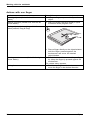
Manual removal (emergency removal)
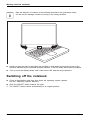
Emergencyremovalofdata carrier
Manualremovalofdatacarrier
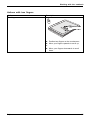
CD/DVD:
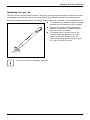
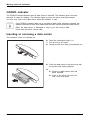
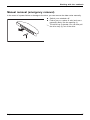
In the event of a power failure or damage to the drive, you can remove the data carrier manually.
► Switch your notebook off.
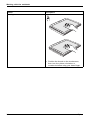
► Push a pen or a piece of wire (such as a
paperclip) firmly into the opening (1).
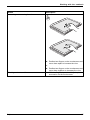
The drive tray is ejected. You can now pull
the drive tray (2) out of the drive.
2
1
Fujitsu
57