1
-
-
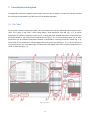
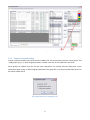
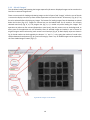
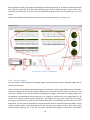
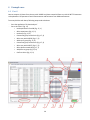
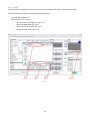
Stay in the tab “Start” (Fig. 22)
o Remove all the created groups (Fig. 22, 1)
o Select all wanted experiments (Fig. 22, 2)
o Click the button “Load groups” (Fig. 22, 3)
o Find and select the file with the stored group set (Fig. 22, 4)
o Click the button “Open” (Fig. 22, 5)
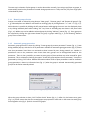
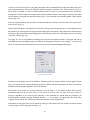
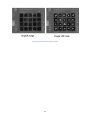
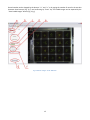
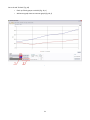
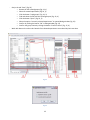
o Select the option “currently selected experiments” in opened dialog window (Fig. 23)
o Confirm by clicking the button “OK” in dialog window (Fig. 23)
o Confirm the group choice by clicking the button “Confirm choice” (Fig. 17, 9)
Work with data on the other tabs. Rounds from selected experiments are ordered by their start date.
Fig. 22
Fig. 23
25