1
6.
Creating a Data Transactions Screen
Normally, an application used for business does not manage the data locally. Typically, the application gets
and modifies data, but the data is stored on the server.
This chapter discusses how code data is managed in Nexacro Platform applications, fetched from the server,
and viewed on a web browser.
6.1 Grid Combo
Database schema often include such data as country, department and rank. If these data are entered as
character strings, users may enter them differently. To avoid this, the data are managed by creating separate
code tables.
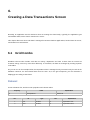
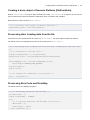
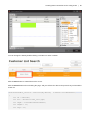
As you can see in the example below, the Department item is managed not by its name but by its code in the
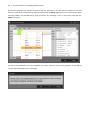
database. However, the item should show users its name. So, in the grid component, you can determine a
displaytype according to data forms.
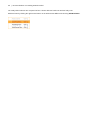
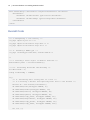
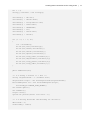
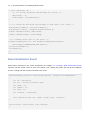
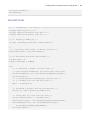
Dataset
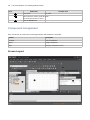
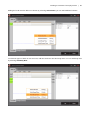
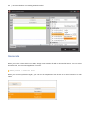
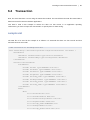
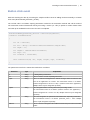
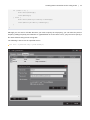
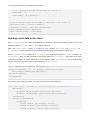
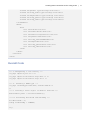
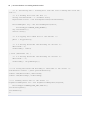
Create a dataset first, and then enter properties and column values.
Property
Value
id
Explanation
dsDepartment
No.
id
Dataset id
type
size
Explanation
1
code
STRING
32
Department code
2
value
STRING
32
Department name