1
Wireless Access Point User Guide
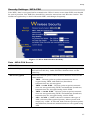
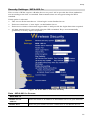
Checking TCP/IP Settings - Windows NT4.0
1.
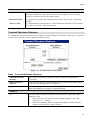
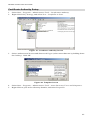
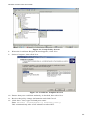
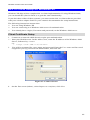
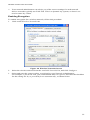
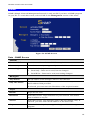
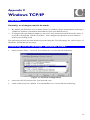
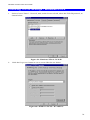
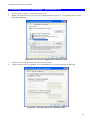
Select Control Panel - Network, and, on the Protocols tab, select the TCP/IP protocol, as
shown below.
Figure 59: Windows NT4.0 - TCP/IP
2.
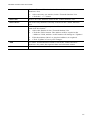
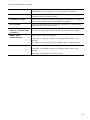
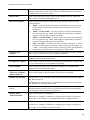
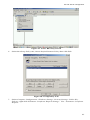
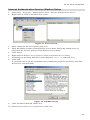
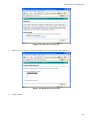
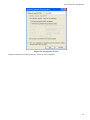
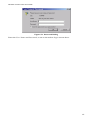
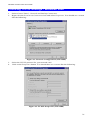
Click the Properties button to see a screen like the one below.
Figure 60: Windows NT4.0 - IP Address
74