1
VPG Pre/Post Tutorial
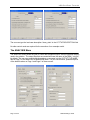
Users wishing to know more about these options are asked to view the NISA User Manual that
is packaged with the eta/VPG software.
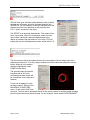
By selecting the RUN NISA option, upon selecting the OK, the VPG then opens a NISA
execution window and executed the NISA simulation.
The POST Menu
The model results can be viewed in the POST menu. This
allows the user to review and animate the deformations of the
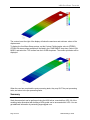
model, review and display stresses for the model, and
generate graphs, contour plots and avi animation files of the
model results.
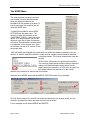
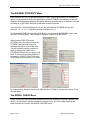
Select POST from the top menu bar in VPG. This will open
the post processing module. To review the results, the user
must read in the results files and the associated model file
used to generate these results.
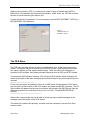
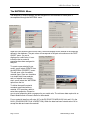
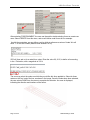
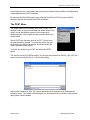
To review our analysis, go to FILE, and select the OPEN
option.
The user will see a FILE OPEN window. The file type should be set to NISA2 (*.dat). VPG will
search for the results file (file 26, in NISA terminology).
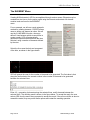
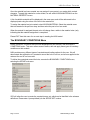
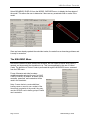
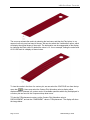
After the file is opened in VPG, the user will automatically be placed into the Displacement
animation menu. The model will be displayed in a wireframe mode (the shaded, with element
edge option is shown below).
Page 20 of 22
NISA Modeling Tutorial