1
6.7. DECLARING VARIABLES
101
0 @$
@$ 2, *2
%"
,"
1
$ %"
9 ,"
' ,
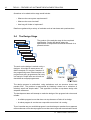
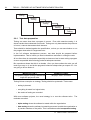
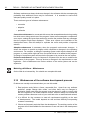
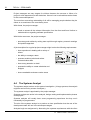
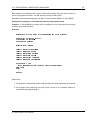
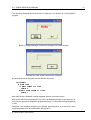
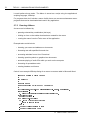
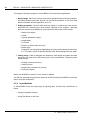
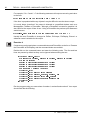
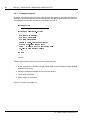
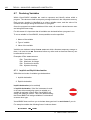
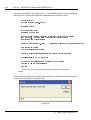
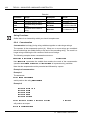
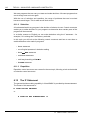
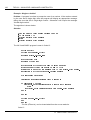
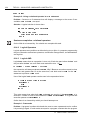
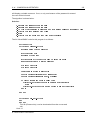
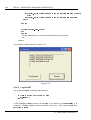
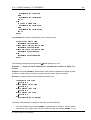
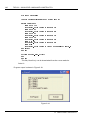
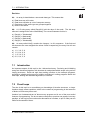
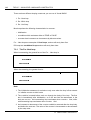
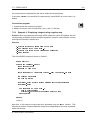
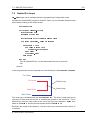
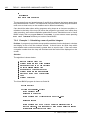
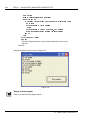
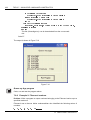
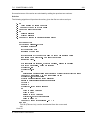
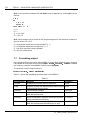
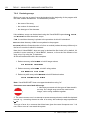
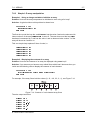
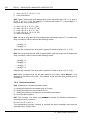
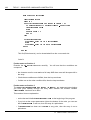
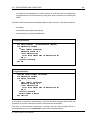
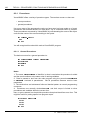
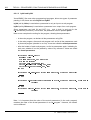
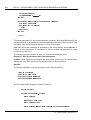
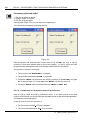
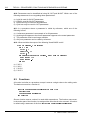
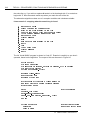
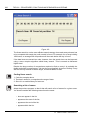
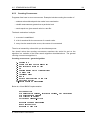
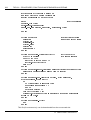
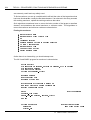
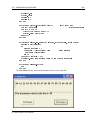
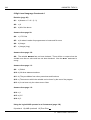
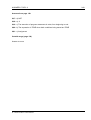
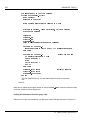
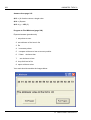
FirstNumber, SecondNumber and Total have not been declared but Visual BASIC has
assigned them data types ’on the fly’ the first time they encountered. Although MyText
has been declared, it has no type. All variables have therefore been assigned the type
variant.
But beware! If a variant variable is mis-spelled later in the program then a new variable
will be created by Visual BASIC. This is a common error and can create program bugs
that are difficult to find.
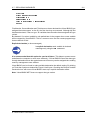
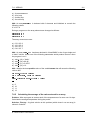
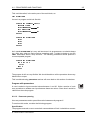
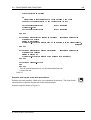
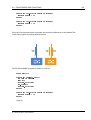
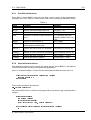
Explicit declaration (to be encouraged)
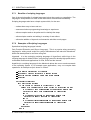
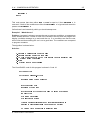
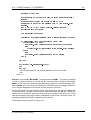
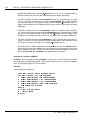
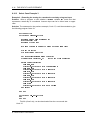
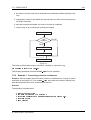
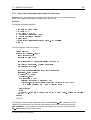
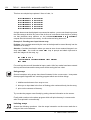
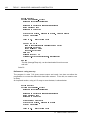
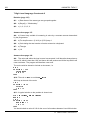
In explicit declaration each variable is declared
unambiguously using the 0 statement.
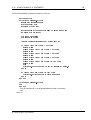
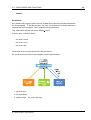
It is recommended that this option be used at all times. This helps to prevent errors
and allows the computer to work more efficiently. If Visual BASIC knows the data type
through declarations then the requisite amount of memory can be assigned thus making
memory management more efficient.
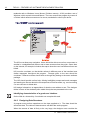
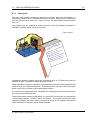
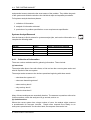
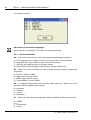
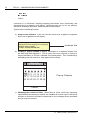
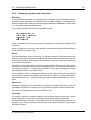
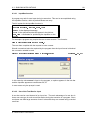
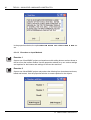
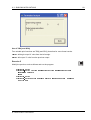
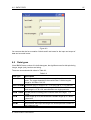
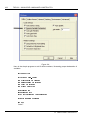
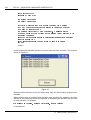
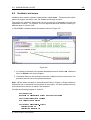
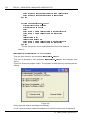
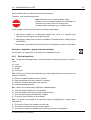
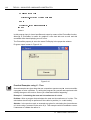
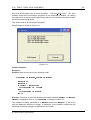
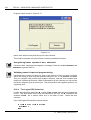
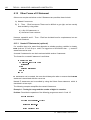
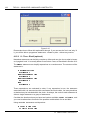
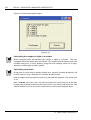
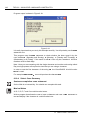
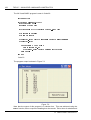
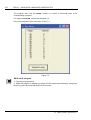
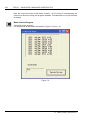
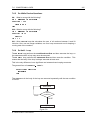
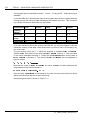
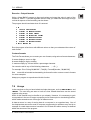
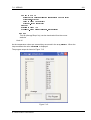
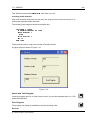
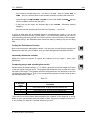
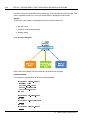
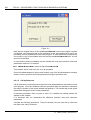
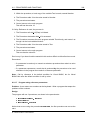
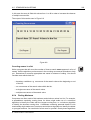
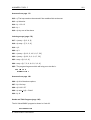
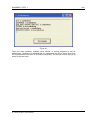
Visual BASIC can be forced to make variable declaration the default setting. By clicking
on Tools then Options a window like Figure 6.4 will open. Checking the Require Variable
Declaration box will ensure Visual BASIC starts up in explicit declaration mode.
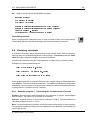
Note: Visual BASIC.NET does not support the type variant.
© H ERIOT-WATT U NIVERSITY