1
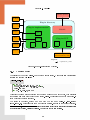
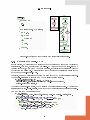
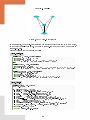
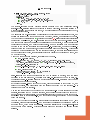
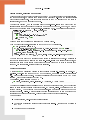
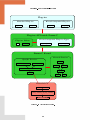
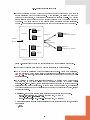
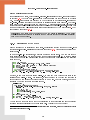
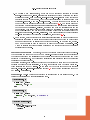
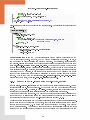
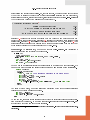
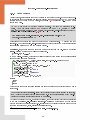
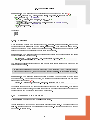
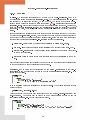
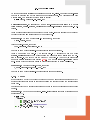
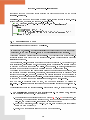
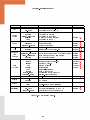
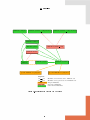
Chapter 2 Tutorial Target readers: beginners. This chapter aims at helping a developer to write his rst Frama-C plug-in. At the end of the tutorial, any developer should be able to extend Frama-C with a simple analysis available as a Frama-C plug-in. This chapter was written as a step-by-step explanation on how to proceed towards this goal. It will get you started but does not tell the whole story. You will get it with your own experiment, and by reading the other chapters of this guide on need. First Section 2.1 shows what a plug-in looks like. Then Section 2.2 explains the basis for writing a standard Frama-C plug-in, while Section 2.3 details how to interact with Frama-C and others plug-ins to implement analyzers of C programs. 2.1 What a Plug-in Looks Like? Figure 2.1 shows how a plug-in can integrate with the Frama-C platform. This tutorial focuses on specic parts of this gure. The implementation of the plug-in is provided inside a specic directory. The plug-in registers with the Frama-C platform through kernel-provided registration points. These registrations are performed through hooks (by applying a function or a functor). For instance, the next section shows how to: extend the Frama-C entry point thanks to the function Db.Main.extend if you want to run plug-in specic code whenever Frama-C is executed; use specic plug-in services provided by the module Plugin, such as adding a new Frama-C option. 2.2 The Hello plug-in This simple plug-in explain how to make your plug-in interact basically with several aspects of the Frama-C framework: registration, getting command-line options, compilation and installation, console output, testing, and interaction between APIs. 13