1
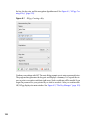
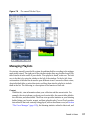
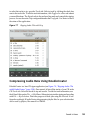
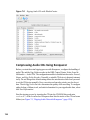
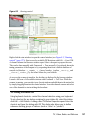
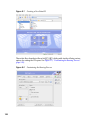
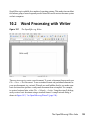
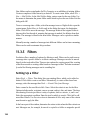
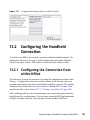
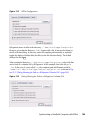
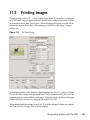
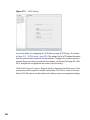
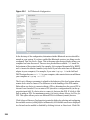
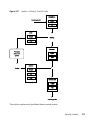
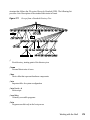
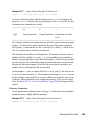
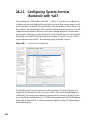
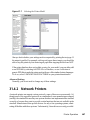
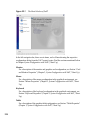
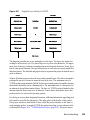
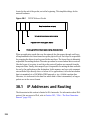
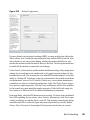
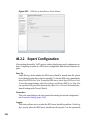
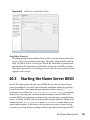
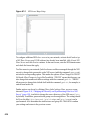
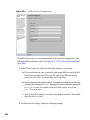
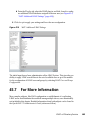
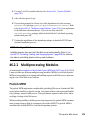
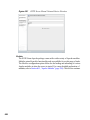
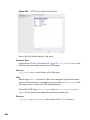
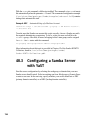
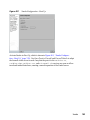
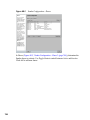
Figure 10.2
An OpenOffice.org Wizard
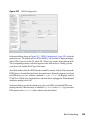
Enter text in the document window as desired. Use the Formatting toolbar or the Format
menu to adjust the appearance of the document. Use the File menu or the relevant buttons
in the toolbar to print and save your document. With the options under Insert, add extra
items to your document, such as a table, picture, or chart.
10.2.1 Selecting Text
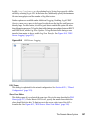
To select text, click the desired beginning of the selection and, keeping the mouse button
pressed, move the cursor towards the end of the range (which can be characters, lines,
or entire paragraphs). Release the button when all desired text is selected. While selected,
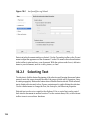
text is displayed in inverted colors. Open a context menu by right-clicking the selection.
Use the context menu to change the font, the font style, and other text properties.
Selected text can be cut or copied to the clipboard. Cut or copied text can be pasted
back into the document at another location. Use the context menu, Edit, or the relevant
toolbar icons to access these functions.
154