1
Solve paper-handling problems
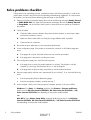
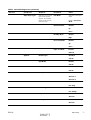
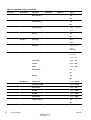
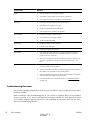
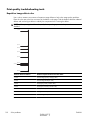
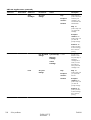
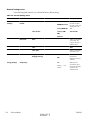
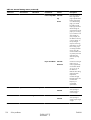
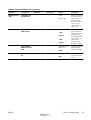
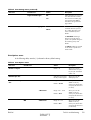
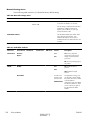
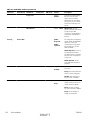
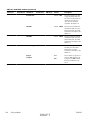
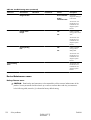
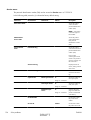
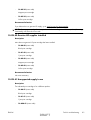
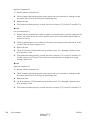
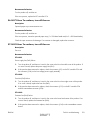
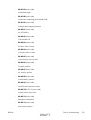
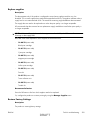
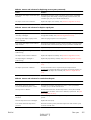
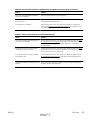
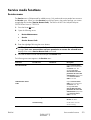
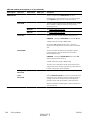
Product feeds multiple sheets
Product feeds multiple sheets
Cause
Solution
The input tray is overfilled. Open the tray and verify that the
paper stack is below the maximum stack height mark.
Remove excess paper from the input tray.
Print paper is sticking together.
Remove paper, flex it, rotate it 180 degrees or flip it over,
and then reload it into the tray.
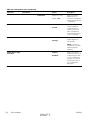
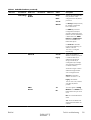
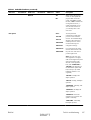
NOTE: Do not fan paper. Fanning can cause static
electricity, which can cause paper to stick together.
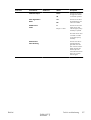
Paper does not meet the specifications for this product.
Use only paper that meets HP paper specifications for this
product.
Trays are not properly adjusted.
Make sure that the paper guides match the size of paper
being used.
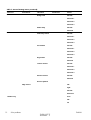
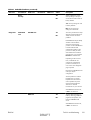
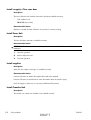
Tray 2 feeds multiple sheets.
Make sure Tray 2 is not overfilled. Open the tray and verify
that the paper stack is below the maximum stack height mark.
Remove paper from Tray 2 to avoid jams.
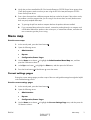
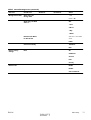
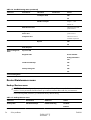
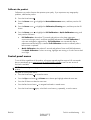
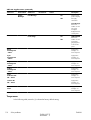
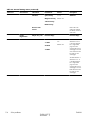
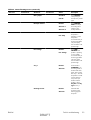
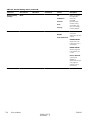
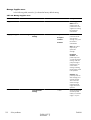
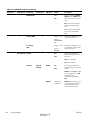
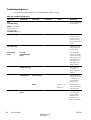
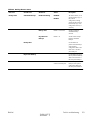
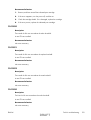
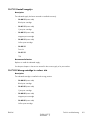
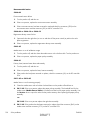
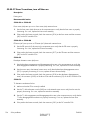
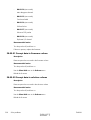
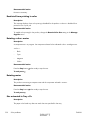
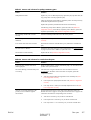
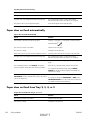
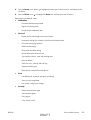
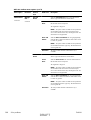
Product feeds incorrect page size
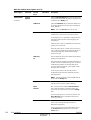
Product feeds incorrect page size
Cause
Solution
The correct size paper is not loaded in the tray.
Load the correct size paper in the tray.
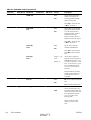
The correct size paper is not selected in the software program
or printer driver.
Confirm that the settings in the software program and printer
driver are correct, because the software program settings
override the printer driver and control panel settings, and the
printer driver settings override the control panel settings.
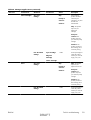
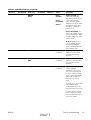
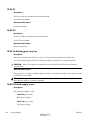
The correct size paper for the tray is not selected in the
product control panel.
From the control panel, select the correct size paper for the
tray.
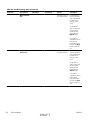
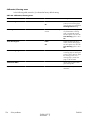
The paper size is not configured correctly for the tray.
Print a configuration page or use the control panel to
determine the paper size for which the tray is configured.
The guides in the tray are not against the paper.
Verify that the paper guides are touching the paper.
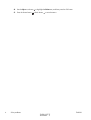
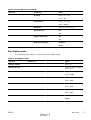
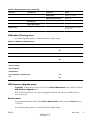
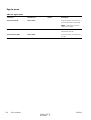
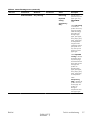
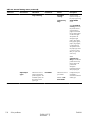
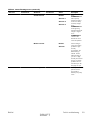
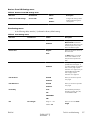
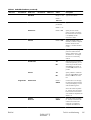
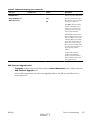
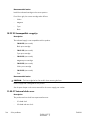
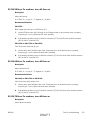
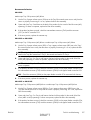
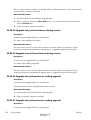
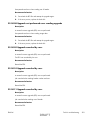
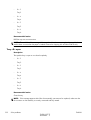
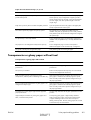
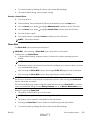
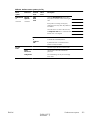
Product pulls from incorrect tray
Product pulls from incorrect tray
ENWW
Cause
Solution
You are using a driver for a different product.
Use a driver for this product.
DRAFT
Solve paper-handling problems
261