1
Chapter 3 Software Installation
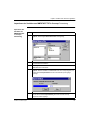
Using HyperTerminal as a Terminal Emulator, continued
Making the
Connection,
continued
26
Step
Action
5
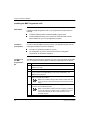
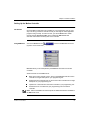
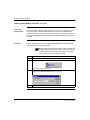
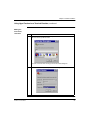
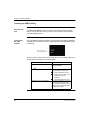
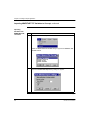
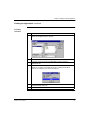
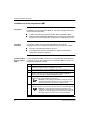
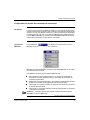
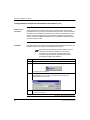
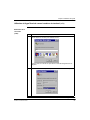
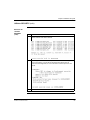
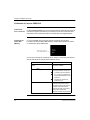
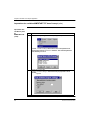
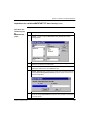
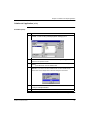
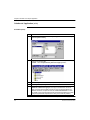
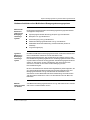
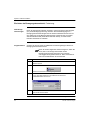
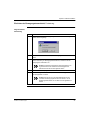
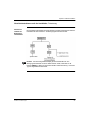
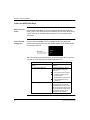
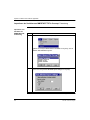
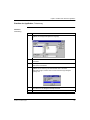
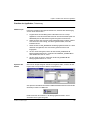
Click on the OK button to bring up the COM1 (or COM2) Properties dialog box.
6
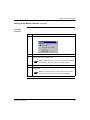
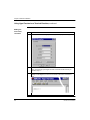
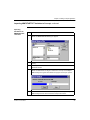
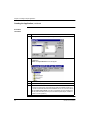
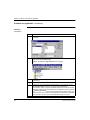
Make the selections in each of the scroll boxes as show above and click the OK
button. This will bring up the Hyper Terminal screen with the title and icon you
selected in step 3.
7
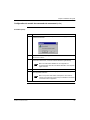
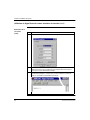
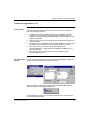
Hit the Return key on your PC keyboard and the blinking cursor should change to
[M486]C:\> indicating that you are now connected to the motion controller’s C:
drive.
890 USE 119 00 First Edition