1
Recording Menu Settings
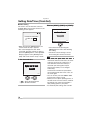
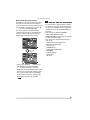
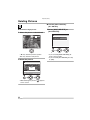
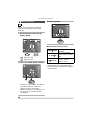
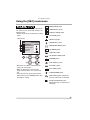
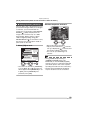
[REC] mode menu (Refer to P81 for the setting method.)
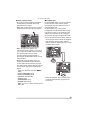
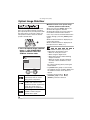
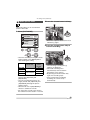
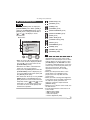
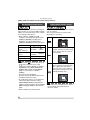
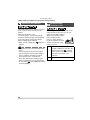
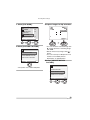
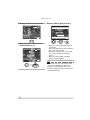
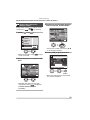
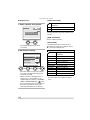
Quality [QUALITY]
SCN1 SCN2
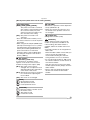
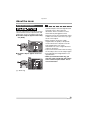
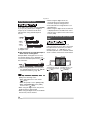
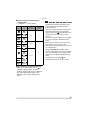
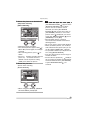
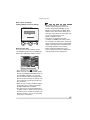
You can select 4 types of quality
(compression level) according to the usage
of the picture.
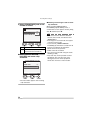
TIFF (Uncompressed):
This type is suitable when editing
and processing pictures with retouch
software.
Fine (Low compression):
This type gives priority to picture
quality. Picture quality will be high.
Standard (High compression):
This type gives priority to the
number of recordable pictures and
records standard quality pictures.
RAW RAW file:
Set this when altering the pictures
on a PC.
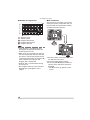
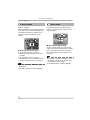
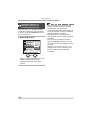
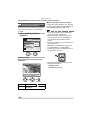
• When the quality is set to [RAW], the
digital zoom cannot be used.
• When the quality is set to [TIFF], a JPEG
picture with the quality equal to Standard
is created at the same time.
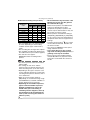
• When the quality is set to [RAW]
– A JPEG file is also created
simultaneously. Its quality is equal to
FINE and its size is fixed to ([
],
[
], [
]).
– When the RAW file is deleted on the
camera, the created JPEG file is also
deleted.
• Pictures may appear like a mosaic
depending on the subject or the recording
condition.
• The number of recordable pictures
depends on the subject.
• The number of remaining pictures
displayed on the screen may not
correspond with recorded frames.
86
VQT0R81
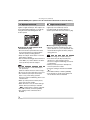
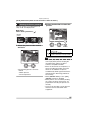
• The following functions cannot be used for
pictures recorded in [TIFF] or [RAW].
– [AUDIO DUB.]
– [RESIZE]
– [TRIMMING]
• The following functions cannot be used
when the quality is set to [TIFF] or [RAW].
– Auto bracket
– Burst mode
– [AUDIO REC.]
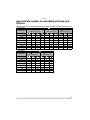
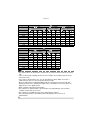
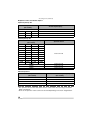
• Refer to P31 for the number of recordable
pictures.
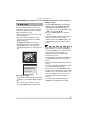
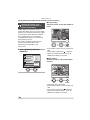
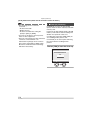
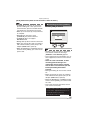
• The software
[PHOTOfunSTUDIO-viewer-] or ArcSoft
[PhotoImpression] in the CD-ROM
(supplied) allows you to develop RAW files
and save them as JPEG format pictures.
• For more information about a software
application’s support for DMC-FZ30 RAW
files, refer to the company’s home page.
– Adobe Systems Inc. (Photoshop CS etc.)
http://www.adobe.com