1
SPROG II User Guide for DecoderPro 2.1.7
20
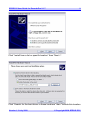
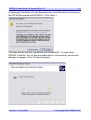
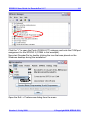
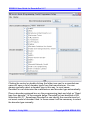
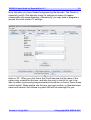
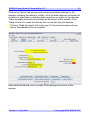
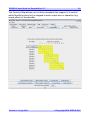
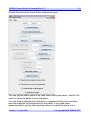
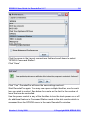
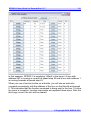
Clicking the control or double clicking the folder icon next to a manufacturer
name will open a list of decoder types from that manufacturer. You can
always manually select a decoder type in this way. In most cases,
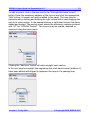
DecoderPro can determine the manufacturer and decoder type automatically.
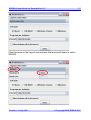
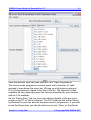
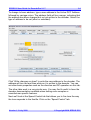
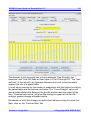
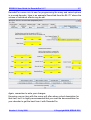
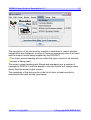
Place a decoder equipped loco on the programming track and click on “Read
type from decoder”. In the example below, DecoderPro has identified a QSI
Industries BLI F7. Sometimes DecoderPro can identify the manufacturer but
not exact model of decoder fitted. In these cases it will be necessary to select
the decoder type manually.
Version 1.3 July 2008
© Copyright 2008 SPROG DCC