1
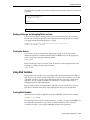
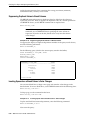
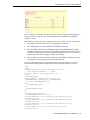
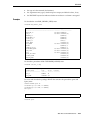
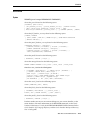
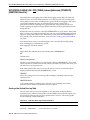
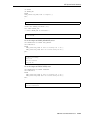
Defining Page and Report Titles and Dimensions
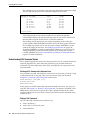
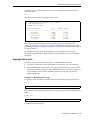
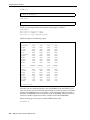
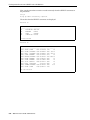
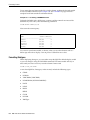
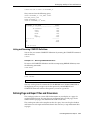
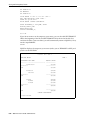
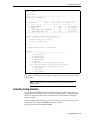
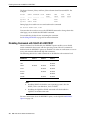
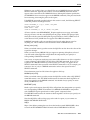
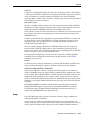
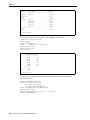
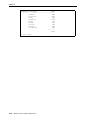
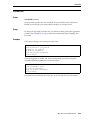
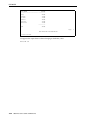
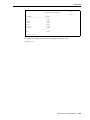
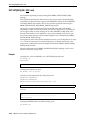
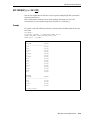
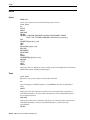
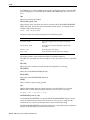
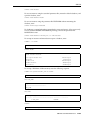
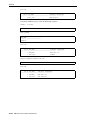
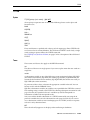
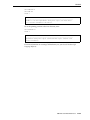
ACME WIDGET
SALES DEPARTMENT PERSONNEL REPORT
DEPARTMENT_ID
------------30
30
30
30
30
30
LAST_NAME
SALARY
------------------------- ---------Colmenares
2500
Himuro
2600
Tobias
2800
Baida
2900
Khoo
3100
Raphaely
11000
COMPANY CONFIDENTIAL
6 rows selected.
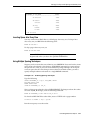
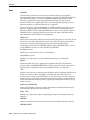
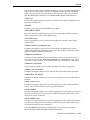
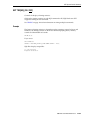
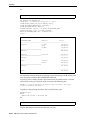
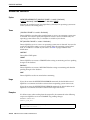
Entering Long Titles
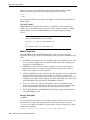
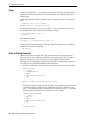
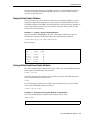
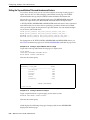
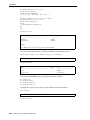
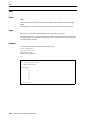
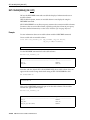
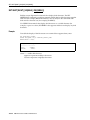
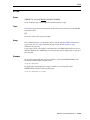
If you need to enter a title greater than 500 characters in length, you can use the
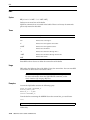
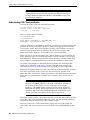
SQL*Plus command DEFINE to place the text of each line of the title in a separate
substitution variable:
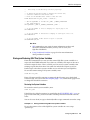
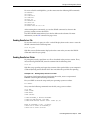
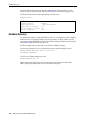
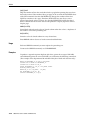
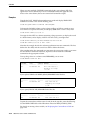
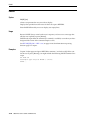
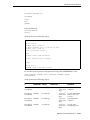
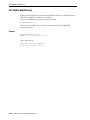
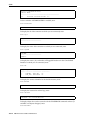
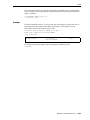
DEFINE LINE1 = 'This is the first line...'
DEFINE LINE2 = 'This is the second line...'
DEFINE LINE3 = 'This is the third line...'
Then, reference the variables in your TTITLE or BTITLE command as follows:
TTITLE CENTER LINE1 SKIP 1 CENTER LINE2 SKIP 1 CENTER LINE3
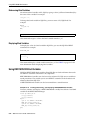
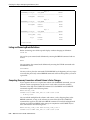
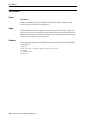
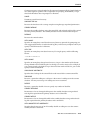
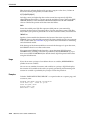
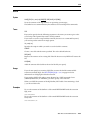
Displaying System-Maintained Values in Titles
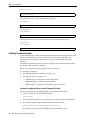
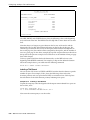
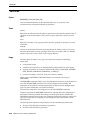
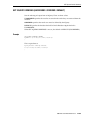
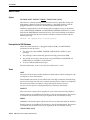
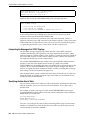
You can display the current page number and other system-maintained values in your
title by entering a system value name as a title element, for example:
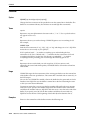
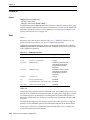
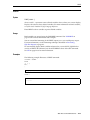
TTITLE LEFT system-maintained_value_name
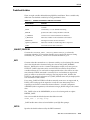
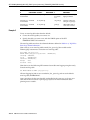
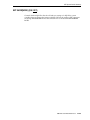
There are five system-maintained values you can display in titles, the most commonly
used of which is SQL.PNO (the current page number). See TTITLE on page 12-187 for
a list of system-maintained values you can display in titles.
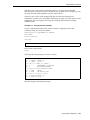
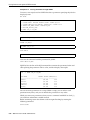
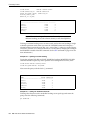
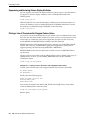
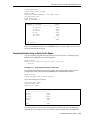
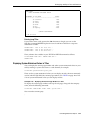
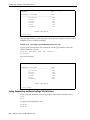
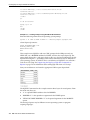
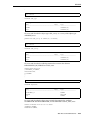
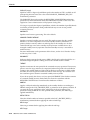
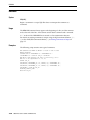
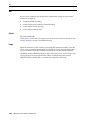
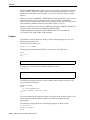
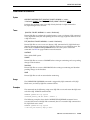
Example 6–22
Displaying the Current Page Number in a Title
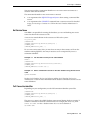
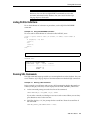
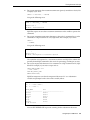
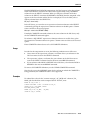
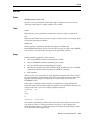
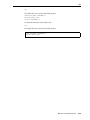
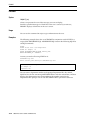
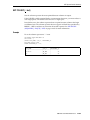
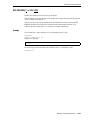
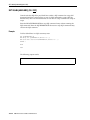
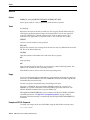
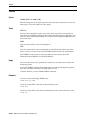
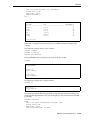
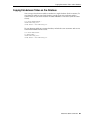
To display the current page number at the top of each page, along with the company
name, enter the following command:
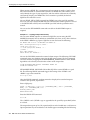
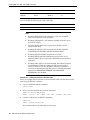
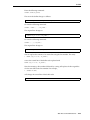
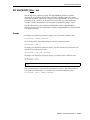
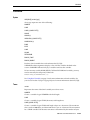
TTITLE LEFT 'ACME WIDGET' RIGHT 'PAGE:' SQL.PNO SKIP 2
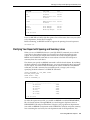
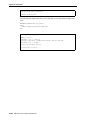
Now rerun the current query:
/
Formatting SQL*Plus Reports
6-21