1
Red Hat D eveloper Toolset 2.x User Guide
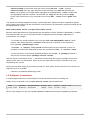
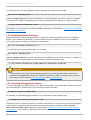
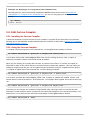
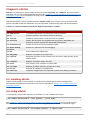
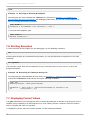
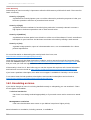
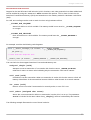
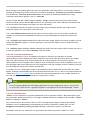
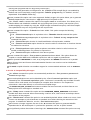
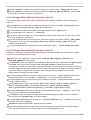
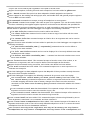
T o install any of these meta packages, type the following at a shell prompt as root:
yum install package_name...
Replace package_name with a space-separated list of meta packages you want to install. For example,
to install only the Eclipse development environment and packages that depend on it, type as root:
~]# yum install devtoolset-2-ide
Alternatively, you can choose to install all available components as described in Section 1.5.1, “Installing
All Available Components”.
1.5.3. Installing Optional Packages
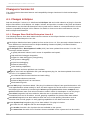
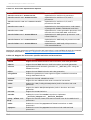
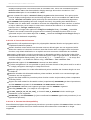
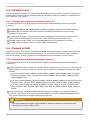
Red Hat Developer T oolset is distributed with a number of optional packages that are not installed by
default. T o list all Red Hat Developer T oolset packages that are available to you but not installed on
your system, type the following command at a shell prompt:
yum list available devtoolset-2-\*
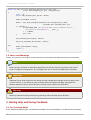
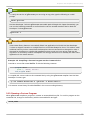
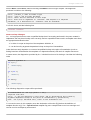
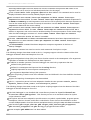
T o install any of these optional packages, run as root:
yum install package_name...
Replace package_name with a space-separated list of packages that you want to install. For example, to
install the devtoolset-2-gdb-gdbserver and devtoolset-2-gdb-doc packages, type:
~]# yum install devtoolset-2-gdb-gdbserver devtoolset-2-gdb-doc
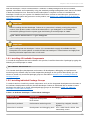
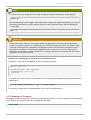
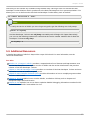
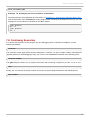
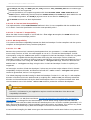
Important
T he devtoolset-2-gcc-plugin-devel package depends on the mpfr-devel package, which is only
available in the Optional channel. For detailed instructions on how to subscribe your system to
this channel, see the relevant Knowledge article on the Customer Portal.
1.5.4. Installing Debugging Information
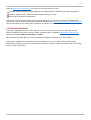
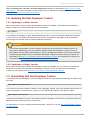
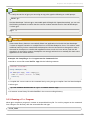
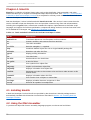
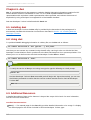
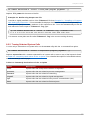
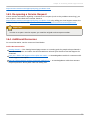
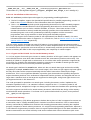
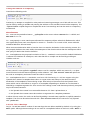
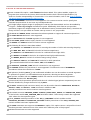
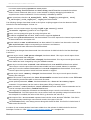
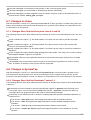
T o install debugging information for any of the Red Hat Developer T oolset packages, make sure that the
yum-utils package is installed and run the following command as root:
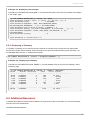
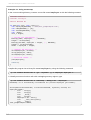
debuginfo-install package_name
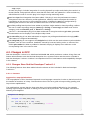
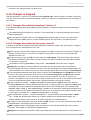
For example, to install debugging information for the devtoolset-2-dwz package, type:
~]# debuginfo-install devtoolset-2-dwz
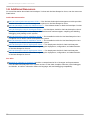
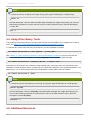
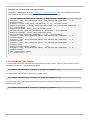
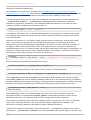
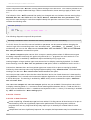
Note that in order to use this command, you need to have access to the repository with these packages.
If your system is registered with Red Hat Subscription Management, enable the rhel-variantdts2-version-debug-rpm s repository as described in Section 1.4.2, “Using Red Hat Subscription
Management”. If your system is registered with RHN Classic, subscribe the system to the
20