1
Starting up
6.4.4.5
Inserting/ deleting of program segments
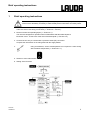
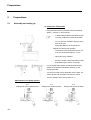
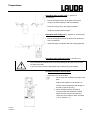
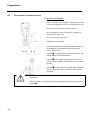
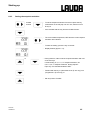
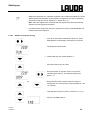
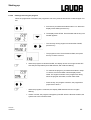
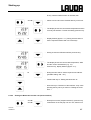
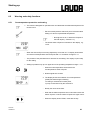
1. From level 0 proceed as described under 6.4.4. When PGM
appears on the display, press the key on the left..
2. The display shows RUN (or STOP if the programmer had
been started). Scroll with this key until EDIT appears.
3. The display shows EDIT, press the key.
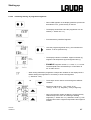
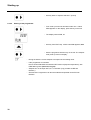
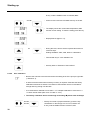
4. Segment number is flashing, press the key.
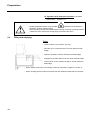
or
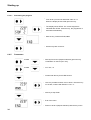
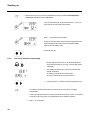
− Using the keys, select the segment number behind which
the new segment has to be inserted.
EXAMPLE: Section 6.4.4.1.:
A new segment has to be inserted after segment 2.
Select segment 2 with the keys.
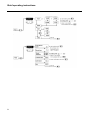
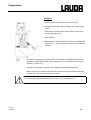
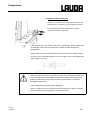
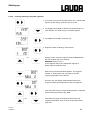
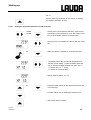
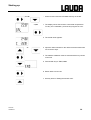
− With the key forward until NEW appears. The segment
number ”2” behind which the new segment and the
segment temperature are indicated.
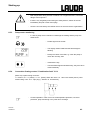
− Press the key, the display shows NEW as well as the
segment number and temperature of the new segment.
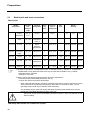
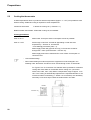
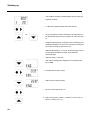
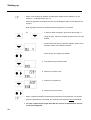
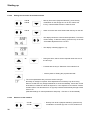
− Then jump with the key to segment temperature or segment
time and start input with the key, then
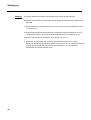
or
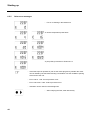
− using both keys input the required segment time and
segment temperature, then continue as described below
(step 5-8)
30.03.99
YAEE0013
31