1
Contents
Welcome!
1
About Your Software
About Your Documentation
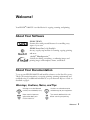
Warnings, Cautions, Notes, and Tips
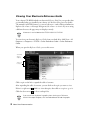
Viewing Your Electronic Reference Guide
1
1
1
2
Copying
3
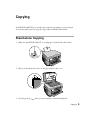
Stand-alone Copying
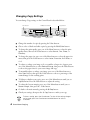
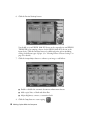
Changing Copy Settings
Making Copies With the Computer
3
4
5
Printing
7
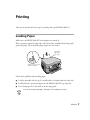
Loading Paper
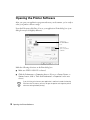
Opening the Printer Software
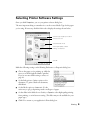
Selecting Printer Software Settings
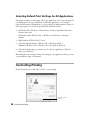
Selecting Default Print Settings for All Applications
Controlling Printing
Using PhotoEnhance, Custom, and Advanced Settings
Enhancing Photos
Using Custom Project Types
Using Advanced Settings
Using Special Papers
EPSON Matte Paper - Heavyweight
EPSON Glossy Photo Paper
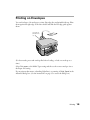
Printing on Envelopes
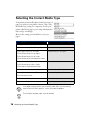
Selecting the Correct Media Type
7
8
9
10
10
11
12
12
13
14
14
14
15
16
Scanning
17
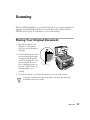
Placing Your Original Document
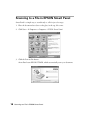
Scanning to a File in EPSON Smart Panel
One-Touch Scanning
Advanced Scanning With EPSON TWAIN
17
18
20
22
iii