1
7. Installing your WS-01
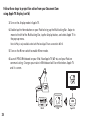
On iPad:
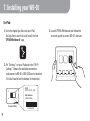
1. Go to the Apple App Store on your iPad.
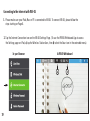
On App Store, search for and install the free
“IPEVO Whiteboard” app.
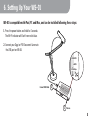
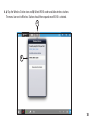
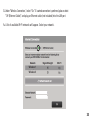
2. Hit “Settings” on your iPad and enter “Wi-Fi
Settings.” Browse the available connections
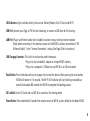
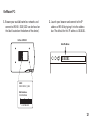
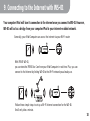
and connect to WS-01's SSID (SSID can be found on
the label located on the bottom of the device).
SSID:
IPEVO WS-01_3524
MAC Address:
0123456789ab
Bottom of WS-01
9
25123B01234
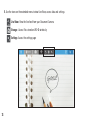
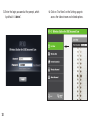
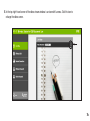
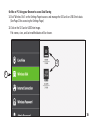
3. Launch IPEVO Whiteboard and follow the
onscreen guide to access WS-01’s features.