1
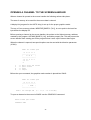
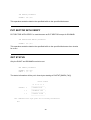
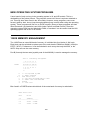
RENAME−GIVE OLD NAME,NEW
Type the file name you want to change and the new name separated by a comma.
EXAMPLE:
COLT,HORSE
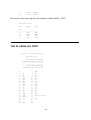
WARNING! Do not rename a file to a name which already exists on the disk. You will end up
with a duplicate file name and will not be able to access one of them. Attempting to rename
or delete one of them will rename or delete both. The only way to fix a duplicate file name is
with a sector editor or other special utility.
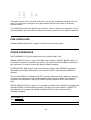
[F] LOCK FILE
A locked file cannot be written to, renamed or deleted. To lock a file type [F] [RETURN]. You
will get the prompt:
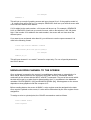
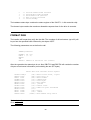
WHAT FILE TO LOCK?
Type the file name you want to lock. Wild cards will cause all matching files to be locked.
[G] UNLOCK FILE
Used the same as lock.
[H] WRITE DOS FILES
This option will write the DOS.SYS and DUP.SYS files to a formatted disk. When you type
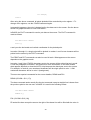
[H] [RETURN] you will receive the prompt:
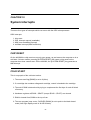
DRIVE TO WRITE DOS FILES TO?
Type the number of the drive. If the drive contains a formatted disk the dos files will be
written to it.
24