1
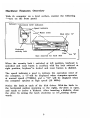
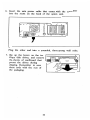
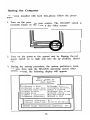
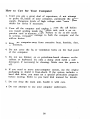
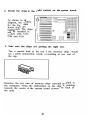
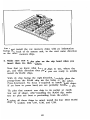
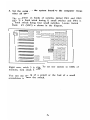
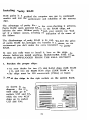
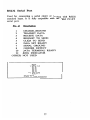
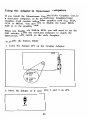
Starting the Computer For system installed with hard disk, please follow the proce dure: 1. Turn on the power to your monitor. The ON/OFF switch IS normally found on the front of the video. screen. - 2. Turn on the power to the system unit by flipping the red power switch on the right side into the up position, labeled "1". 3. During the start-up procedure, the system performs a mem ory test, then loads the MS-DOS operating system. After several seconds, the following display will appear: LASER TURBO XT Start Up Utility Main Menu [A]Format a disk [B]Format a sys disk [C]Format hard drive [D)Copy file(s) [E) Copy disk [F]Make a directory [G]Remove directory i II [H]Change directory [I]Display directory [J]Run a program [K)Change date &time [L)Check config. [M]Display help file [N]Exit to DOS Current directory: C: \ Current date/time: 05-01-88 09:35:51 ©1988 Video Technology Computers, 13 ~ Inc. II