1
3
Designing Controllers Using the Design Tool GUI
The following example uses the CSTR model described in “CSTR Model” on page 2-19.
Verify that the LTI object CSTR is in your MATLAB workspace.
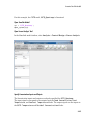
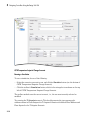
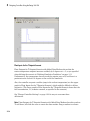
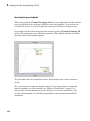
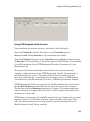
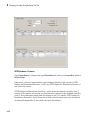
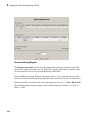
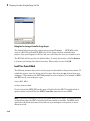
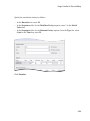
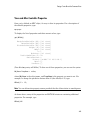
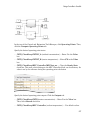
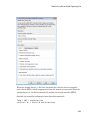
Plant Model Importer Dialog Box
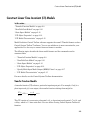
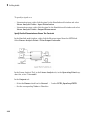
In the design tool, click the Import Plant button (see Model Predictive Control Toolbox
Design Tool Initial View). The Plant Model Importer dialog box appears.
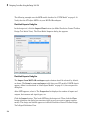
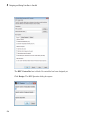
Plant Model Importer Dialog Box
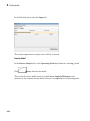
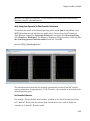
The Import from MATLAB workspace option button should be selected by default,
as shown. The Items in your workspace table lists your LTI models. If CSTR doesn't
appear, define it as discussed in “State-Space Models” on page 2-10, then reopen this
dialog box.
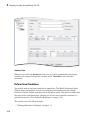
After CSTR appears, select it. The Properties list displays the number of inputs and
outputs, their names and signal types, etc.
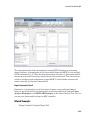
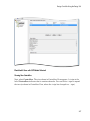
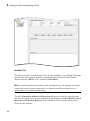
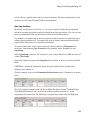
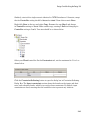
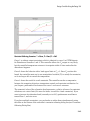
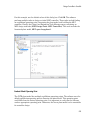
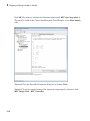
Click the Import button. This loads CSTR into the design tool. Then click the Close
button (otherwise the dialog box remains visible in case you want to import another
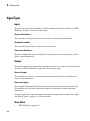
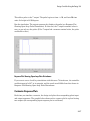
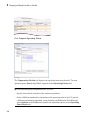
model). The design tool should appear as in Model Predictive Control Toolbox Design
Tool's Signal Definition View.
3-4