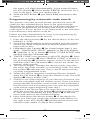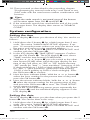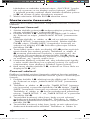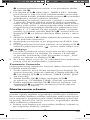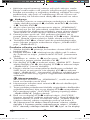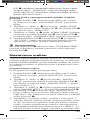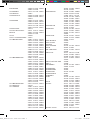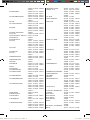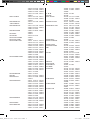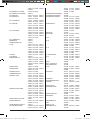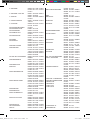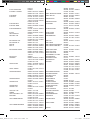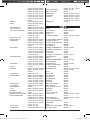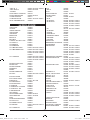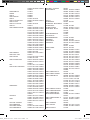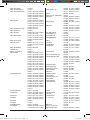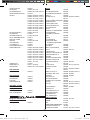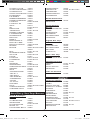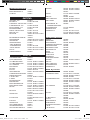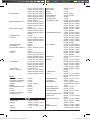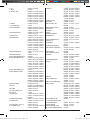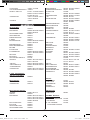
1
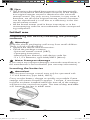
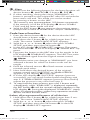
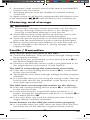
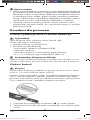
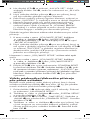
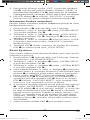
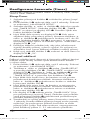
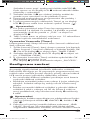
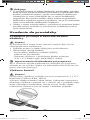
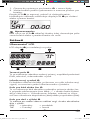
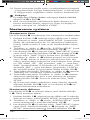
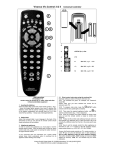
1.Open the battery compartment cover 2! in the direction
of the arrow.
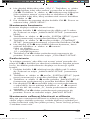
2. Insert the batteries as shown in the diagram and close the
battery compartment.
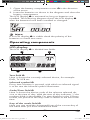
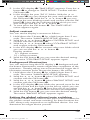
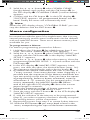
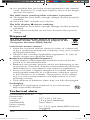
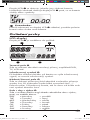
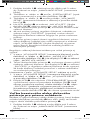
The LCD display q is activated as long as batteries are
installed. The following diagram shows the LCD display q
after the batteries have been installed or changed.
Note:
If no LCD display q is visible check the polarity of the
batteries or install new ones.
Operating components
LCD display
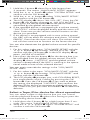
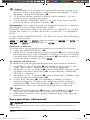
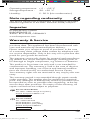
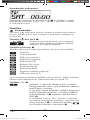
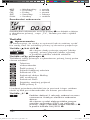
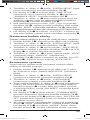
The LCD display q is divided into fields.
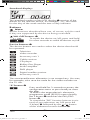
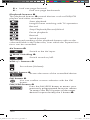
Text field 2@
Here is shown the currently selected device, for example
DVD, TV VCR etc.
Infrared symbol 2#
Every time a button is pressed, with which an infrared signal
is to be sent the Infrared symbol illuminates.
Code/Time field 2$
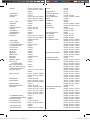
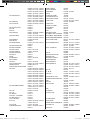
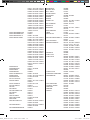
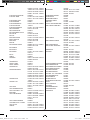
Here is shown the device code of the relevent selected device or the time of day. With the time of day indicator ":" the
numbers blink in the middle. For time displays in the 12-hour
format, the period of the day code is shown to the left of the
time.
Day of the week field 2%
Here you can read the shortened form of the current day of
the week after you have entered the date.
A_SFB 10.1 B2 - DT-71477_gb.indd 5
-5-
23.11.2011 14:50:59