1
Copying Functions
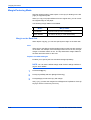
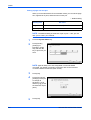
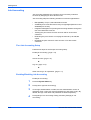
Priority Override
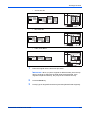
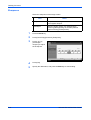
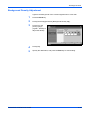
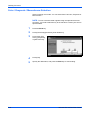
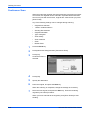
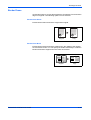
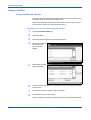
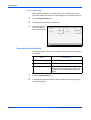
Suspends a current job and gives the selected job a priority for copying.
The suspended job resumes after Priority Override copy is finished.
NOTE: The current job that is selected as Priority Override cannot be
suspended.
1
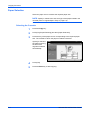
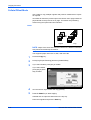
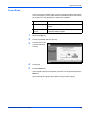
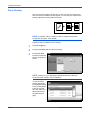
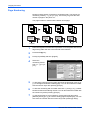
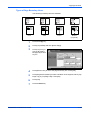
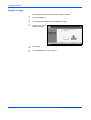
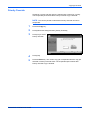
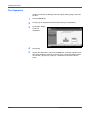
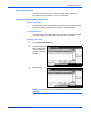
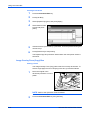
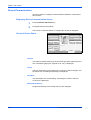
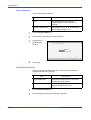
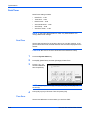
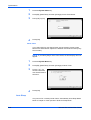
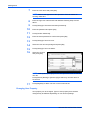
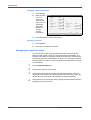
Press the Copy key.
2
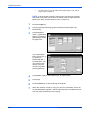
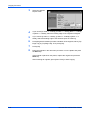
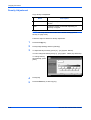
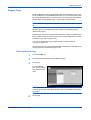
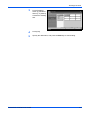
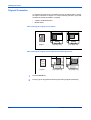
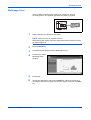
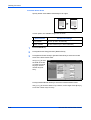
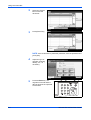
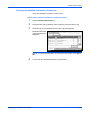
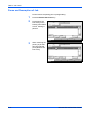
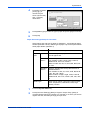
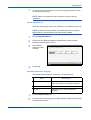
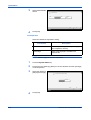
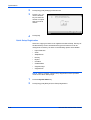
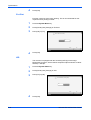
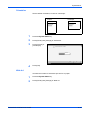
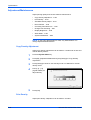
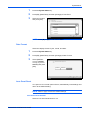
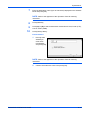
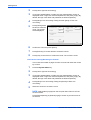
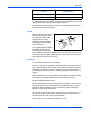
Press [Advanced Setup] and then [Priority Override].
3
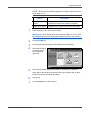
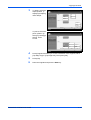
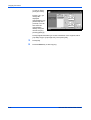
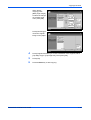
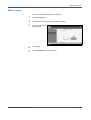
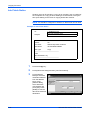
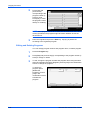
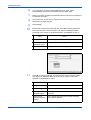
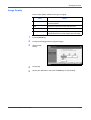
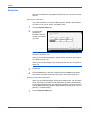
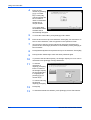
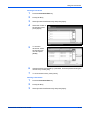
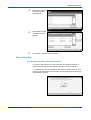
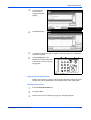
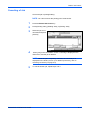
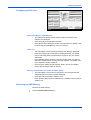
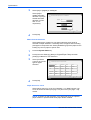
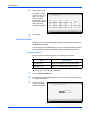
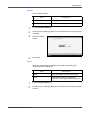
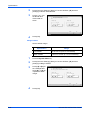
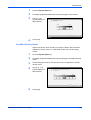
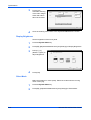
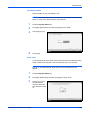
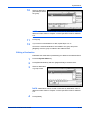
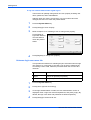
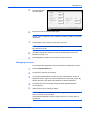
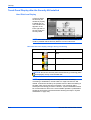
Press [On] to select
Priority Override.
Ready to copy.
Copies
1
Priority Override
Give print job top priority and complete it
before returning to other print jobs.
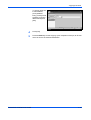
Press [OK] to display
the image.
Off
Add Shortcut
Status
On
Cancel
OK
10/5/2006
10:10
4
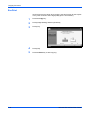
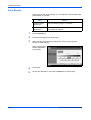
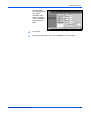
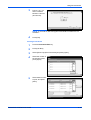
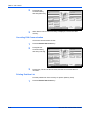
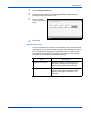
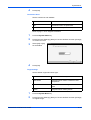
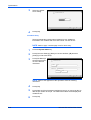
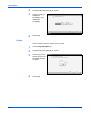
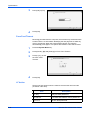
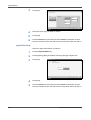
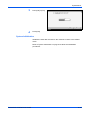
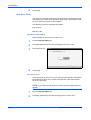
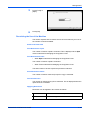
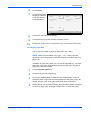
Press [OK].
5
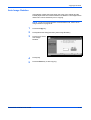
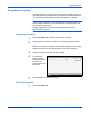
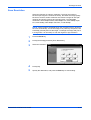
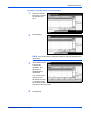
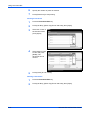
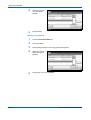
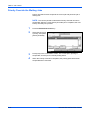
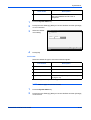
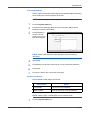
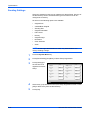
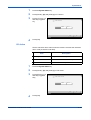
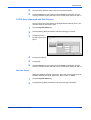
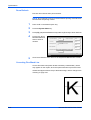
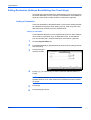
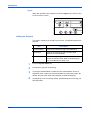
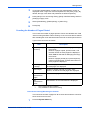
Press the Start key. The current copy job is suspended and the copy job
selected in Priority Override starts. The suspended job resumes after
Priority Override copy is finished.
ADVANCED OPERATION GUIDE
1-53