1
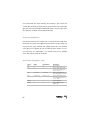
auxiliary channel bypass
Alarm sensor input zones one, two, three, and eight will be bypassed
while a pulsed or timed auxiliary Output is active.
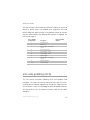
panic mode with smart door locking
If you are threatened in or near your vehicle, you can attract attention
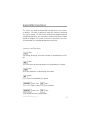
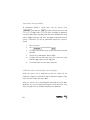
by triggering the system with your transmitter! Just press
for
two seconds to enter Panic Mode. The siren will sound and the parking lights will flash for the programmed duration. If the ignition is on,
the doors will lock; if the ignition is off, the doors will unlock. To stop
Panic Mode at any time press
on the transmitter again.
disarm/valet mode
Entering your pin code using the PlainView 2 Valet switch allows you
to disarm the system or enter valet mode without using the transmitter. In valet mode, the security system will not arm, even with the transmitter, but all convenience functions (door locks, trunk release, etc.)
will continue to work normally.
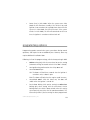
To disarm or enter Valet Mode:
1. Turn the ignition on.
2. Enter PIN code (factory setting is 2).
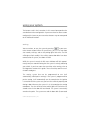
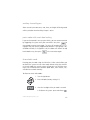
3. After the last digit of the pin code is entered:
a. To disarm the system: press and release
© 2 0 0 3 d i re c t e d e l e c t ro n i c s , i n c .
.
11