1
GX-CD5200V
ENGLISH
Advanced video CD playback (continued)
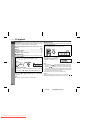
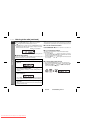
■ Track digest selection
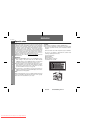
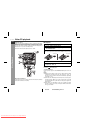
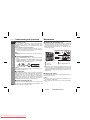
Each track is divided into 9 sections.
You can look at the sections and select the scene you want to start
watching from. This function is convenient when you want to start
from the middle of an undivided track, for example, a movie.
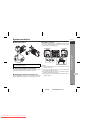
1
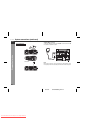
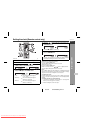
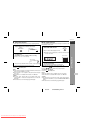
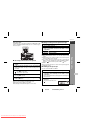
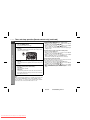
During playback, press the DIGEST/
TIME SEARCH button.
DIGEST/
TIME SEARCH
Disc Playback
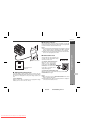
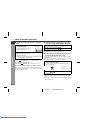
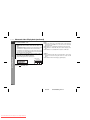
● The track being played back will be divided into 9 sections
and playback will be paused.
● Each time a divided section is displayed, you can hear the
first several seconds of the section.
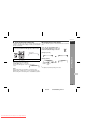
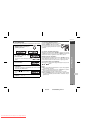
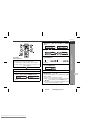
<TV screen>
2
1
2
3
8
9
4
7
6
5
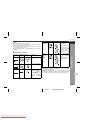
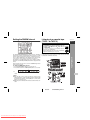
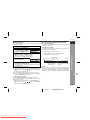
Press the direct search buttons on the remote control to
select the scene you want to watch.
Playback will be started from the selected scene.
To cancel the track digest operation:
Press the ( RETURN) button.
Notes:
● The track digest function works only during playback.
● This operation is not accepted by a short time track (less than one
minute) or still pictures (menu display, photo, etc.).
● One track is divided into nine frames of equal playing time.
● This function is not available with an audio CD or MP3 disc.
Caution:
● The track digest function will not work during P.B.C. play. Cancel
the P.B.C. mode before using this function on a video CD with
P.B.C.
● This function does not work during programmed play.
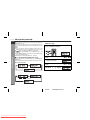
■ Resume play
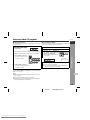
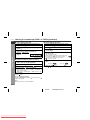
This function is to restart playback from the point where it has
stopped.
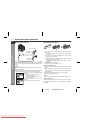
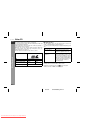
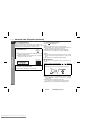
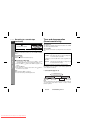
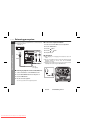
During the stop mode, hold down the
/
( / SELECT/
RESUME) button for more than 1 second.
Playback will begin at the point where playback has stopped.
Notes:
● Resume play cannot be activated when the function is changed
from CD/VIDEO CD to another or the unit is set to the power
stand-by mode.
● This function does not work during P.B.C. play.
Cancel the P.B.C. mode when playing video CDs with P.B.C.
● Resume play cannot be performed after changing the disc.
E-23
04/1/28
Downloaded From Disc-Player.com Sharp Manuals
CX-GD5200V_EN2.fm