1
Table of Contents
Index
Lock Setup
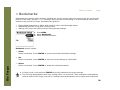
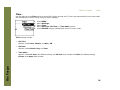
Use the options in the Lock Setup menu to enable various controls when the lock is enabled.
1
2
3
4
5
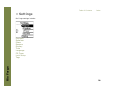
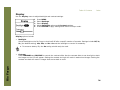
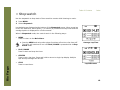
Press MENU.
Select Settings.
Select Lock Setup.
Select Lock Setup options.
Press CENTER to apply settings and return to Player mode.
Rio Forge
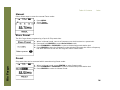
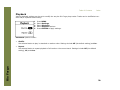
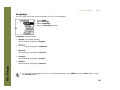
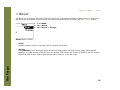
Lock Setup settings include:
•
Volume
Options include Lock (the default setting) and Off. When set to Off, the volume level can be adjusted even
when the Rio Forge has been locked.
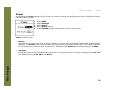
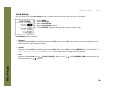
•
Center
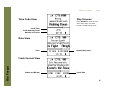
Options include Lock (the default setting) and Off. When set to Off, pressing CENTER will scroll through Time
Code View, Track Format View, and Date Views even when the Rio Forge has been locked.
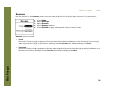
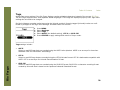
•
Pad
Options include Lock and / (PLAY/PAUSE). When set to /, any CONTROL PAD movement will be
interpreted as the / control.
38