1
5-20
Compaq StorageWorks RAID Array 4100 User Guide
■
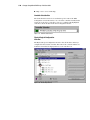
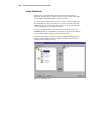
Help—Use to access online help.
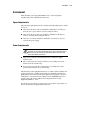
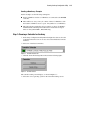
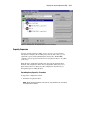
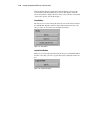
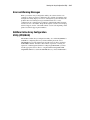
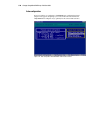
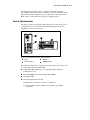
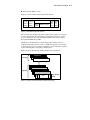
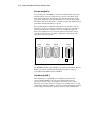
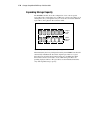
Controller Selection Box
The Controller Selection box is located in the top left corner of the Main
Configuration screen. Select this to see a list of the controllers installed in the
system. You can select a controller to view or to configure. The highlighted
controller is shown in detail in the View Configuration list box.
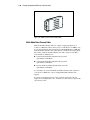
Figure 5-15. Controller Selection box
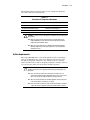
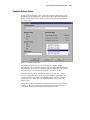
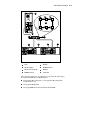
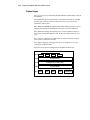
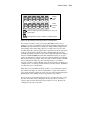
Physical/Logical Configuration
View Box
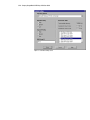
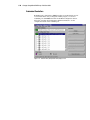
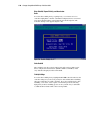
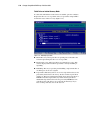
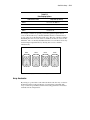
The Physical/Logical Configuration View box lists all the drives and arrays
configured for the selected controller. The name of the controller and the slot
in which it is installed are displayed next to each controller icon.
Figure 5-16. View Configuration list