1
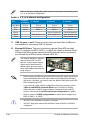
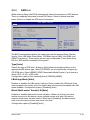
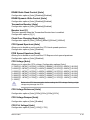
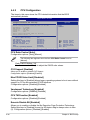
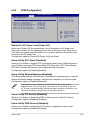
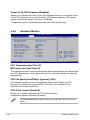
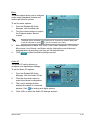
PECI [Enabled]
Allows you to enable or disable the PECI interface.
Configuration options: [Disabled] [Enabled]
The following item appears when you set CPU Ratio Control to [Auto]
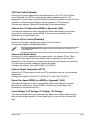
Intel(R) SpeedStep (TM) Tech. [Disabled]
Configuration options: [Disabled] [Automatic]
4.4.4
Chipset
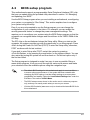
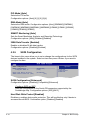
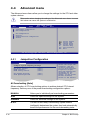
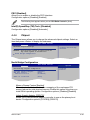
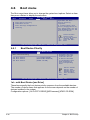
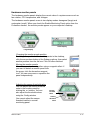
The Chipset menu allows you to change the advanced chipset settings. Select an
item then press <Enter> to display the sub-menu.
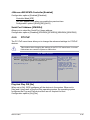
BIOS SETUP UTILITY
Advanced
Advanced Chipset Settings
Configure North Bridge
features.
WARMING: Setting wrong values in below sections
may cause system to malfunction.
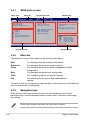
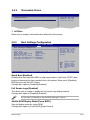
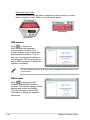
North Bridge Configuration
North Bridge Configuration
Advanced
BIOS SETUP UTILITY
North Bridge Chipset Configuration
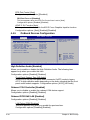
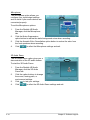
Memory Remap Feature
Initiate Graphic Adapter
PEG Port Control
PEG Port Force x1
[Enabled]
[PEG/PCI]
[Auto]
[Disabled]
ASUS C.G.I Function
[Auto]
Options
Disabled
Enabled
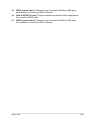
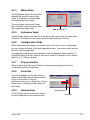
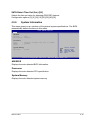
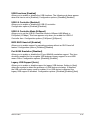
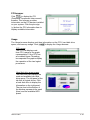
Memory Remap Feature [Enabled]
Allows you to enabled or disable the remapping of the overlapped PCI
memory above the total physical memory. Enable this option only when you
install 64-bit operating system. Configuration options: [Disabled] [Enabled]
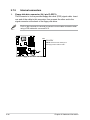
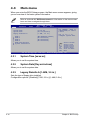
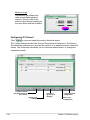
Initiate Graphic Adapter [PEG/PCI]
Allows you to decide which graphics controller to use as the primary boot
device. Configuration options: [PCI/PEG] [PEG/PCI]
ASUS P5KC
4-23