1
all-ux340L.book
Page 74 Thursday, December 23, 1999
5:37 PM
Using TEL Reception Mode
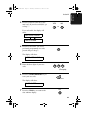
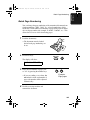
3
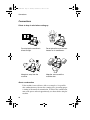
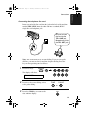
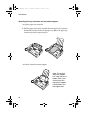
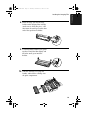
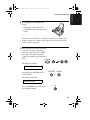
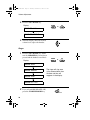
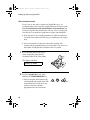
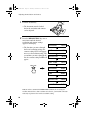
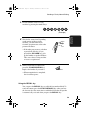
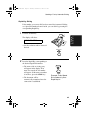
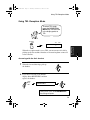
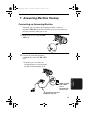
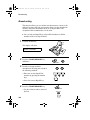
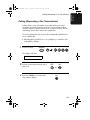
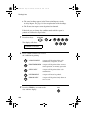
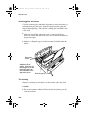
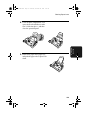
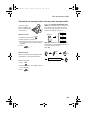
If the other party first speaks with you
and then wants to send a fax, press the
START/MEMORY key after
speaking. (Press your START/
MEMORY key before the sender
presses their Start key.)
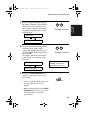
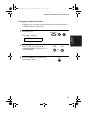
• When RECEIVING appears in the
display, hang up.
RECEIVING
START/MEMORY
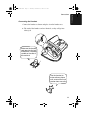
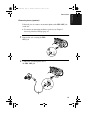
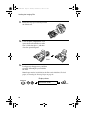
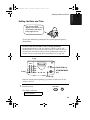
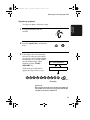
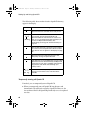
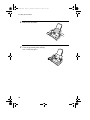
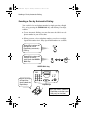
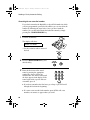
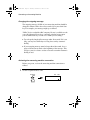
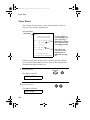
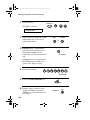
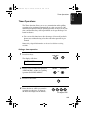
Answering with an extension phone
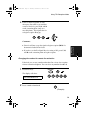
1
Answer the extension phone when it
rings.
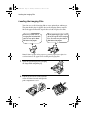
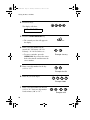
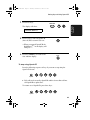
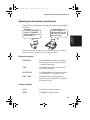
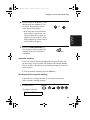
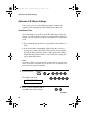
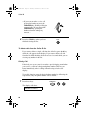
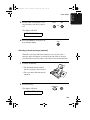
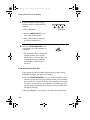
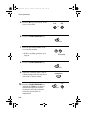
2
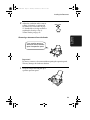
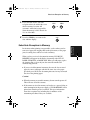
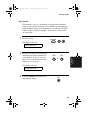
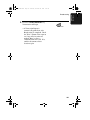
If you hear a soft fax tone, wait until
your fax responds (the extension
phone will go dead if it is connected
to your fax, or you will hear
pronounced, high-pitched tones if the
phone is connected to a separate wall
jack), then hang up.
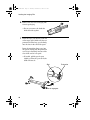
Beep
74
Phone goes dead
or pronounced,
high-pitched tones