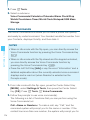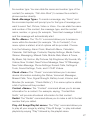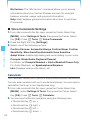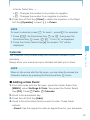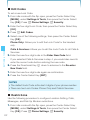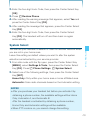
1
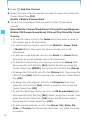
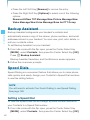
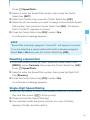
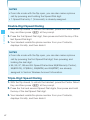
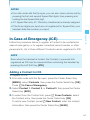
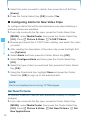
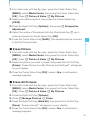
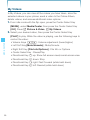
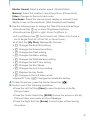
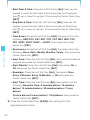
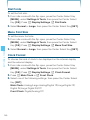
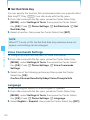
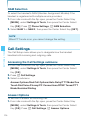
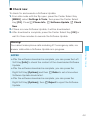
2. Enter the four-digit Lock Code, then press the Center Select Key
[OK]. The default Lock Code is the last 4 digits of your mobile
telephone number.
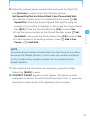
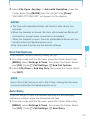
3. Press Restrictions.
4. Enter the four-digit Lock Code, then press the Center Select Key
[OK].
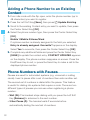
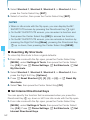
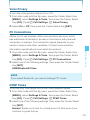
5. Select one of the following settings and then press the Center
Select Key [OK]:
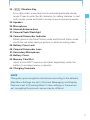
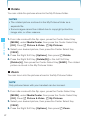
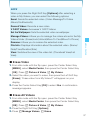
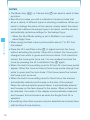
Location Setting: Unlock Setting/Lock Setting
Calls: Incoming Calls/Outgoing Calls
For Incoming Calls, set Allow All/Contacts Only/Block All.
For Outgoing Calls, set Allow All/Contacts Only/Block All.
Messages: Incoming Messages/Outgoing Messages
For Outgoing Messages, set Allow All/Block All.
Dial-Up Modem: Allow/Block
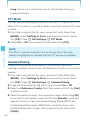
To set any of the submenus, press the Center Select Key [SET].
SETTINGS & TOOLS
For Incoming Messages, set Allow All/Block All.
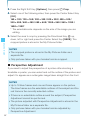
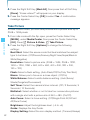
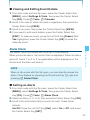
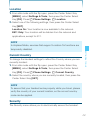
I Phone Lock Setting
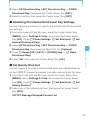
This setting specifies whether the handset should be locked
whenever it is turned on.
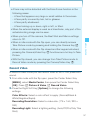
Lock Mode prevents the unauthorized use of your handset. Once
the handset is locked, it is in restricted mode until the Lock Code is
entered. When in Lock Mode, you can only receive a phone call, make
a 911 call, or call an (In Case of Emergency) ICE contact. You can
change the Lock Code using the Security menu.
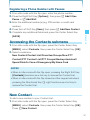
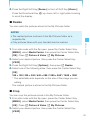
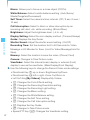
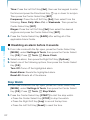
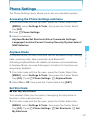
1. From idle mode with the flip open, press the Center Select Key
[MENU], select Settings & Tools, then press the Center Select
Key [OK]. Press Phone Settings, Security.
153