1
User Manual
6.3.3.7 Advanced
1、
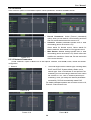
、Click <Advance> to unfold its sub-options:
options: System update, Load default, Events and system maintain etc.
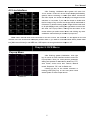
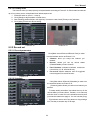
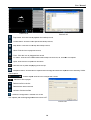
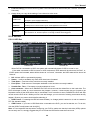
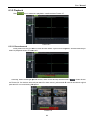
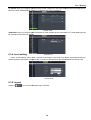
System update: allow you upgrade DVR system remotely shown as Picture
Pictur 6--32.
a.
b.
Picture 6-32
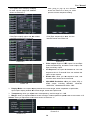
Please follow below steps to upgrade the system:
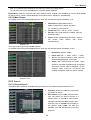
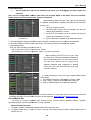
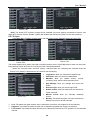
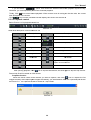
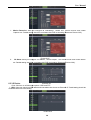
Select the upgrade file’s
ile’s path shown as Picture 6-33.. Please note that the format of upgrade file is
*.sw.
Picture 6-33
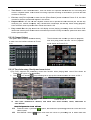
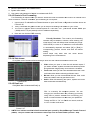
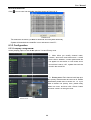
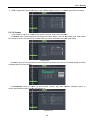
Click <Start update>, now processing bar will display current upgrade
upgrade status shown as Picture 6-34.
Picture 6-34
2、
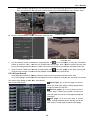
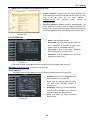
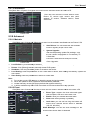
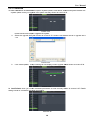
、Load Default: allow you recover defaulted parameters of DVR
DVR remotely shown as Picture
Pic
6-35. Details
setting should be consistent with DVR local setting.
Picture 6-35
38