1
"""
"
"
"
※NOTE"
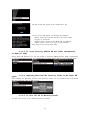
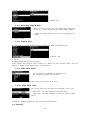
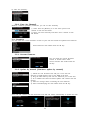
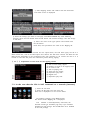
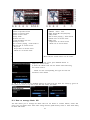
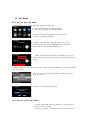
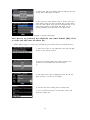
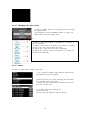
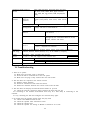
D" :" Auto" Shutdown"
3" :" three"
H" :" Hour"
After" 3" hours" later," X30" will"
shutdown"
"
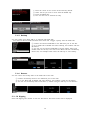
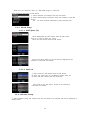
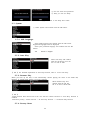
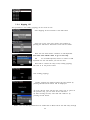
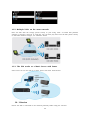
5N7N11.! Scroll! Speed!
"
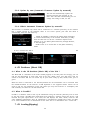
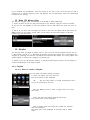
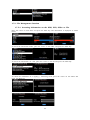
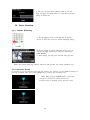
Long" text" is" scrolling" on" the" screen." You" can" set" its" speed" like" below."
※" Default" :" Level" 1"
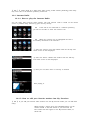
5N7N12.! List! Line! Count!
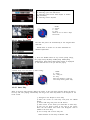
The" number" of" text" lines" displayed" on" the" screen" is" selectable" according" to" your" taste" like" below."
※" NOTE"
Default" for" internal" LCD:" 7" lines"
Default" for" external" screen:" 11" lines"
"
"
"
5N8.! Time!
"
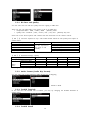
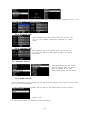
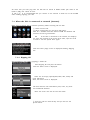
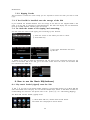
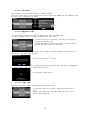
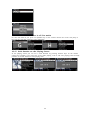
You" can" set" time" format" and" time" via" internet" or" by" manual" here." "
"
"
"
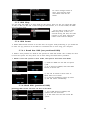
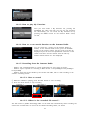
5N8N1.! Time! Format!
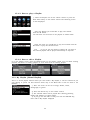
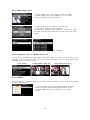
X30" displays" the" time" while" playing" the" internet" radio."
Pressing" the" CLOCK" key" displays" time."
X30" can" display" one" of" two" ways," AM/PM" or" 24Hours." You"
can" select" which" here." "
"
"
"
"
"
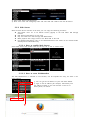
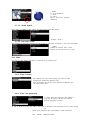
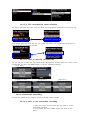
5N8N2.! Time! Set! (Internet)!
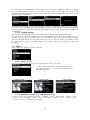
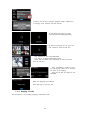
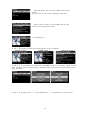
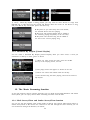
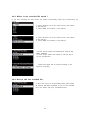
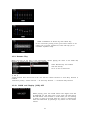
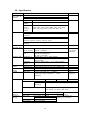
" Select" Time" Set" (Internet)" and" confirm" it"
with" the" OK" button." All" the" time" options"
will" be" displayed" as" below."
"
【" TIP" 】" Make" sure" that" the" X30" is" connected" to" network" (internet)" before" you" try" time" setting"
28"
"
" Select" your" preferred" time" and" confirm" it" with" OK" button."
"
" TIP" " Default" :" GMT+00" London"