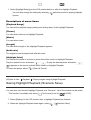
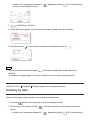
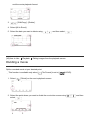
1
1.
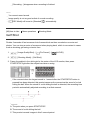
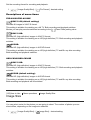
- [Camera/Mic] - [
Manual Settings] - [Spot Meter].
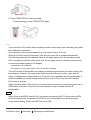
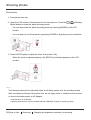
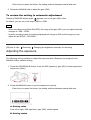
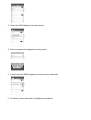
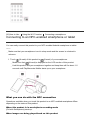
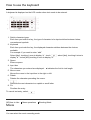
2. Touch the subject of which you want to adjust the exposure.
To return the setting to automatic exposure, select [Auto].
Note
[Exposure] is automatically set to [Manual].
[93] How to Use
Menu operations
Camera/Mic
Spot Focus
Focus can be adjusted automatically for the subject selected.
1.
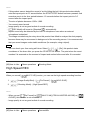
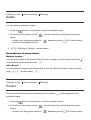
- [Camera/Mic] - [
Manual Settings] - [Spot Focus].
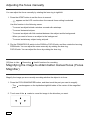
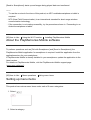
2. Touch the subject of which you want to adjust the focus.
To adjust the focus automatically, select [Auto].
Note
[Focus] is automatically set to [Manual].
[94] How to Use
Menu operations
Camera/Mic
Exposure
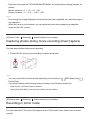
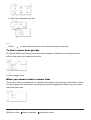
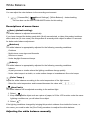
You can fix the brightness of an image manually. Adjust the brightness when the subject is too
bright or too dark.