1
TREASURE VISION
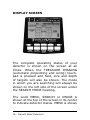
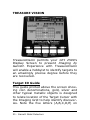
TreasureVision permits your GTI 2500's
Display Screen to present Imaging by
Garrett. Experience with TreasureVision
will enable a hobbyist to identify targets to
an amazingly precise degree before they
are recovered.
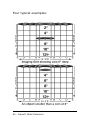
Target ID Guide
This guide printed above the screen showing coin denominations, gold, silver and
other typical metallic objects is designed
to relate location of the Target Cursor with
the Imaging Grid to help identify discoveries. Note the five letters (A,B,C,D,E) on
20 - Garrett Metal Detectors