1
OSD-400/OSD-800/OSD-1600
2.3.6 External device connection
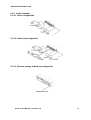
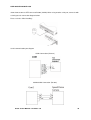
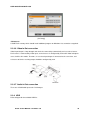
DVR has external 1 piece of eSATA port. Using eSATA port, user can expand Storage capacity up to
8TB.
<Note>
Since some of eSATA device can not be compatible with DVR, before the usage, please, contact
the seller and check its compatibility in advance.
2.3.6.1 eSATA Device Connection
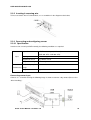
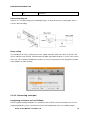
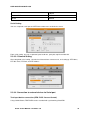
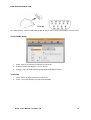
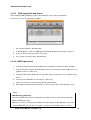
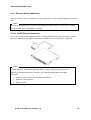
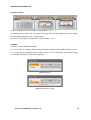
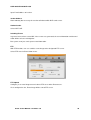
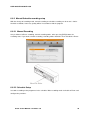
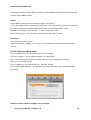
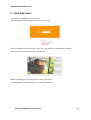
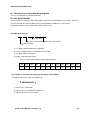
In case of external eSATA supporting FireWire, using eSATA port on the rear part. And since DVR
does not support power to eSATA, eSATA device should be one external power is supported.
<Note>
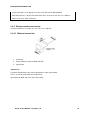
Basically eSATA is connected to DVR while DVR is running, works properly. However it
depends on eSATA manufacturer. Therefore, we recommend below order for making
connection.
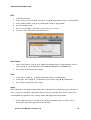
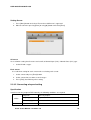
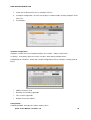
1. Power on DVR Connect external HDD to eSATA port.
2. Power on external device
3. Power on DVR
Install & User Manual - Firmware 3.X
40